How to Make a Game in Roblox in 2026: Complete Beginner's Guide
Roblox Studio has evolved into one of the most powerful free game development platforms available in 2026. Whether you want to build an obby, a horror experience like Auntie Atom, or a full multiplayer RPG, this guide walks you through every step from installation to publishing.
What You Need to Get Started
Making a Roblox game requires just three things: a computer (Windows or Mac), a free Roblox account, and Roblox Studio — the official development environment that comes free with every account.
- Roblox Studio — Free download from roblox.com/create
- A Roblox account — Sign up at roblox.com
- Basic computer — Any modern PC or Mac handles Studio fine
Step 1: Install Roblox Studio
Head to roblox.com/create and click "Start Creating." Roblox Studio will download and install automatically. Launch it and sign in with your Roblox account. You'll see the template selection screen with options like Baseplate, Obby, Racing, and more.
For your first game, start with Baseplate — it gives you a clean slate to build on.
Step 2: Learn the Interface
Roblox Studio's interface has several key areas:
- Explorer Panel — Shows every object in your game as a hierarchy (Workspace, Players, Lighting, etc.)
- Properties Panel — Edit any selected object's settings (size, color, material, physics)
- Toolbox — Browse free models, plugins, and assets from the community
- Terrain Editor — Sculpt landscapes with paint, grow, and smooth tools
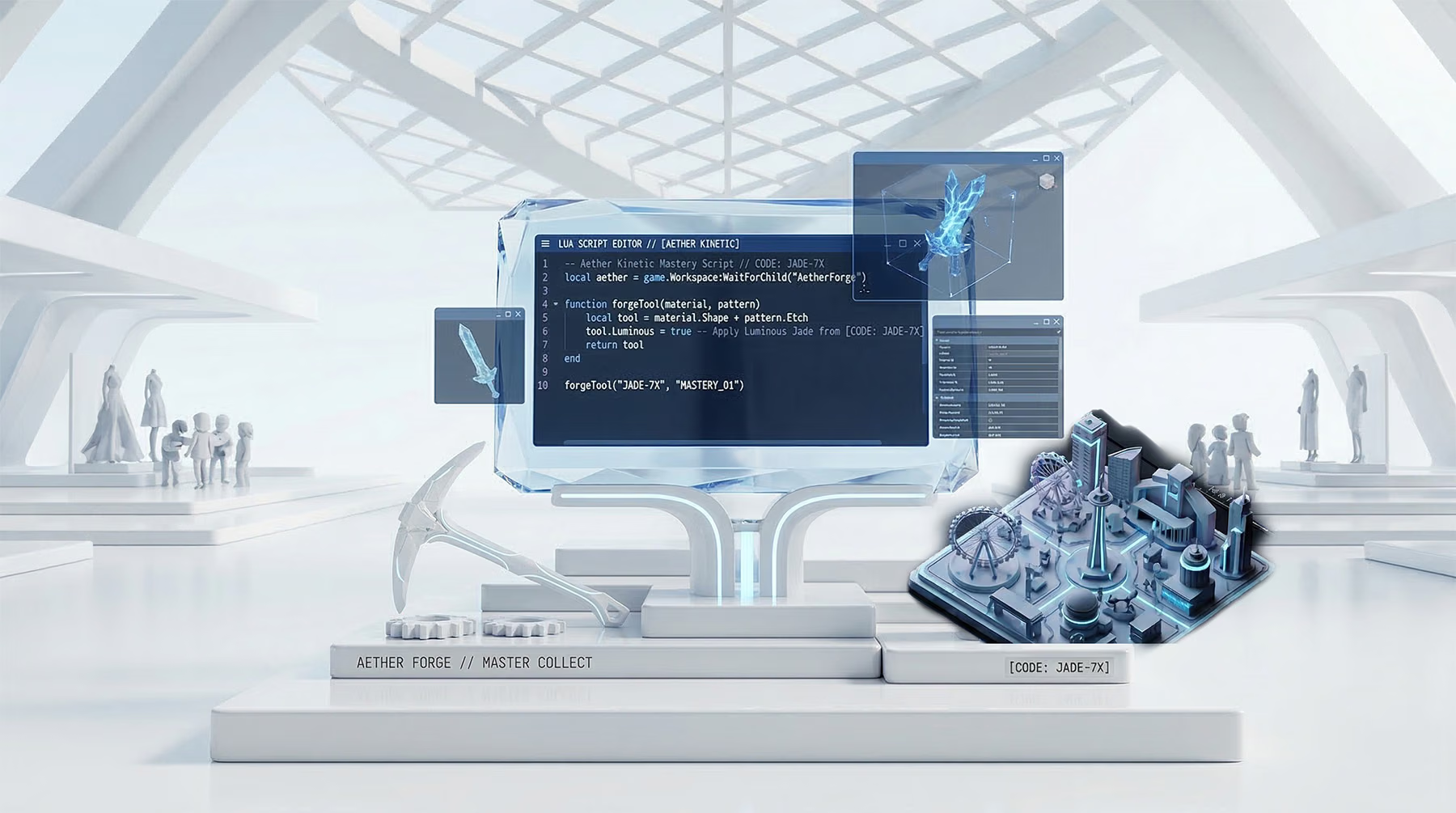
- Script Editor — Write Luau code to add game logic
Step 3: Build Your World
Use the Part tool to place blocks, spheres, wedges, and cylinders. Change materials to wood, metal, grass, or neon. Group parts together using Model to organize your workspace. Add lighting with PointLight, SpotLight, and SurfaceLight objects.
Pro tips for building:
- Use Snap to Grid (toggle with Ctrl+Shift+G) for precise alignment
- Hold Alt while dragging to duplicate objects
- Use Unions to merge parts into complex shapes
- Import custom meshes as .fbx or .obj files for unique models
Step 4: Add Game Logic with Luau
Luau is Roblox's programming language — a faster, typed version of Lua. You write scripts to make things happen: doors that open, enemies that chase, scoreboards that track points.
Here's a simple script that makes a part kill players on touch:
local part = script.Parent

part.Touched:Connect(function(hit)
    local humanoid = hit.Parent:FindFirstChild("Humanoid")
    if humanoid then
        humanoid.Health = 0
    end
end)
Place this inside a Script object, parent it to any Part, and that part becomes a kill brick.
Step 5: Test Your Game
Click the Play button (or press F5) to test your game in Studio. You'll spawn as a player and can walk around your creation. Use F8 to test with the server/client split view — essential for multiplayer games.
Step 6: Publish to Roblox
When you're ready to share, go to File → Publish to Roblox. Give your game a name, description, and icon. Set it to Public so other players can find and play it. Your game is now live on the Roblox platform.
Advanced Tips for 2026
- Future is Bright — Use Roblox's dynamic lighting system for cinematic shadows and volumetric effects
- Spatial Audio — Add directional sound that reacts to player position for immersive experiences
- PBR Materials — Create realistic surfaces with albedo, normal, metallic, and roughness maps
- DataStoreService — Save player progress between sessions
- Monetization — Add game passes and developer products to earn Robux
FAQ
Is Roblox Studio free?
Yes, completely free. You only need a Roblox account.
Can I make money from my Roblox game?
Yes. Through the Developer Exchange (DevEx) program, you can convert earned Robux to real currency once you meet the eligibility requirements.
Do I need to know how to code?
Basic games can be built without code using the visual tools. But adding Luau scripts unlocks the full potential — interactive gameplay, NPCs, save systems, and more.
How long does it take to make a Roblox game?
A simple obby can be built in an afternoon. A polished horror game like DOORS or Auntie Atom takes months of development with a team.
For inspiration on what's possible with professional Roblox pipelines, check out how Simplified Media built the Adellion Forge asset pipeline for AAA-quality Roblox assets. If you want to learn 3D modeling for your game, our beginner's guide to Blender is the perfect starting point. Once your game is live, grab codes inspiration from our Forge codes guide or Dress to Impress codes page to see how other games handle promotional codes. For a deep dive on winning DTI rounds, check our Dress to Impress strategy guide. And if you need the right setup for long development sessions, explore our gear recommendations for monitors, chairs, and headsets.