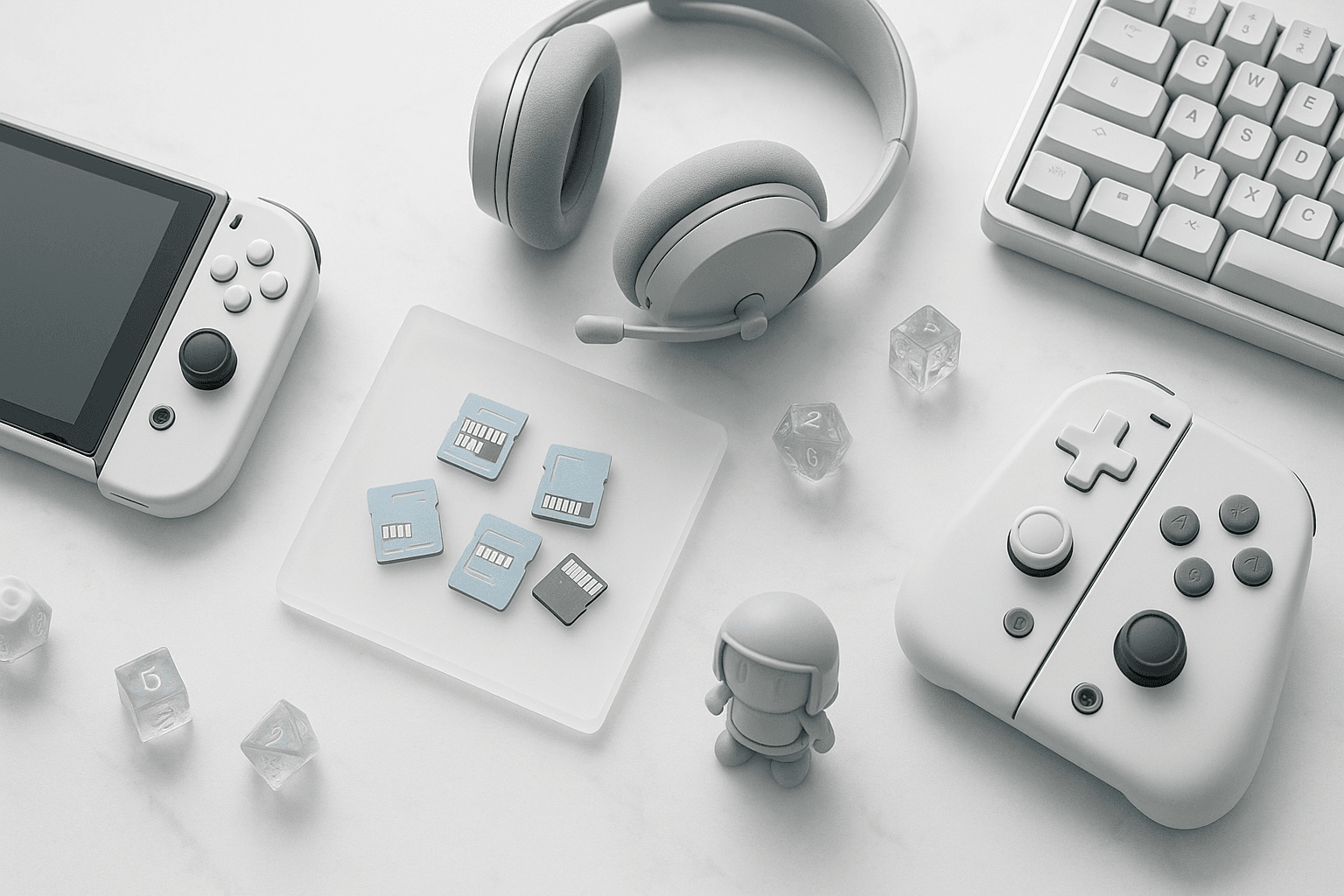
You probably assume the fast microSD card already sitting in your drawer will work in a Nintendo Switch 2, but the console only runs games from microSD Express cards. Here are the cards worth buying, ranked, with list prices checked on October 19, 2026.
Switch 2 runs games from microSD Express cards only. Standard microSDXC cards, including fast UHS-I and UHS-II models, can hold copied screenshots and videos but won't launch Switch 2 software.
The Short List: Best microSD Express Cards For Switch 2
Here's how the three cards worth buying rank right now, from best overall to most situational:
- Best Overall: Samsung P9 Express 512GB. It roughly triples the console's storage at one of the lowest costs per gigabyte on this list. Samsung lists it at $149.99 on Samsung.com, checked October 19, 2026.
- Best Value At 256GB: SanDisk microSD Express for Nintendo Switch 2. It's Nintendo-licensed and posted the fastest measured reads in at least one published review comparison. SanDisk launched it at a $64.99 list price, according to Tom's Hardware's 2025 launch coverage.
- Best For Huge Libraries: Lexar Play Pro 1TB. It's the largest card on this list and the right pick if you buy mostly digital. Lexar's U.S. site lists a $349.99 MSRP, checked October 19, 2026.
- Budget Fallback: Samsung P9 Express 256GB. It's a sensible buy whenever retailers discount it below the SanDisk. Samsung lists it at $79.99 on Samsung.com, checked October 19, 2026.
| Card | Capacity | List Price (Source, Date) | Price Per GB | Rated Read | Best For |
|---|---|---|---|---|---|
| Samsung P9 Express | 512GB | $149.99 (Samsung.com, Oct 19, 2026) | ~$0.29 | Up to 800MB/s | Most owners |
| SanDisk microSD Express for Switch 2 | 256GB | $64.99 (launch list, per Tom's Hardware) | ~$0.25 | Up to 880MB/s | Licensed value pick |
| Lexar Play Pro | 1TB | $349.99 (Lexar MSRP, Oct 19, 2026) | ~$0.34 | Up to 900MB/s | All-digital libraries |
| Samsung P9 Express | 256GB | $79.99 (Samsung.com, Oct 19, 2026) | ~$0.31 | Up to 800MB/s | Sale-price buys |
| Lexar Play Pro | 512GB | $149.99 (Lexar MSRP, Oct 19, 2026) | ~$0.29 | Up to 900MB/s | 512GB alternative |
List prices checked October 19, 2026, except where noted. Retail prices move weekly, so compare the manufacturer's list price against a major retailer's first-party listing before you buy.
Keep in mind that rated read speeds come from each manufacturer's own testing. The sections below explain what those numbers actually mean once the card is inside the console.
Why Switch 2 Only Accepts microSD Express For Games
The original Switch read games from ordinary UHS-I microSD cards, which top out at roughly 100MB/s in practice. Nintendo built the Switch 2 around much faster internal UFS storage, and games are now designed to stream assets at speeds a standard card can't sustain.
microSD Express solves that by running the card over a PCIe and NVMe interface — the same kind of connection an internal SSD uses. As a result, rated reads jump into the 800–900MB/s range, close enough to internal storage that games behave the way developers intended.
That said, the slot is backward compatible in one narrow way. Nintendo allows a standard microSD card to be inserted for copying screenshots and video clips, but it won't run Switch 2 software or play your original Switch library from that card.
The Switch 2 needs microSD Express because its games stream data faster than standard cards can deliver. Express cards use a PCIe/NVMe link rated at 800–900MB/s, versus roughly 100MB/s for older UHS-I cards.
Look for the "EX" mark or the words "microSD Express" on the packaging. A card labeled only UHS-I, UHS-II, V30, or A2 is a standard card, no matter how fast its advertised speed looks.
How Much Storage Do You Actually Need?
The Switch 2 ships with 256GB of internal storage, and some of that is reserved for the system. Additionally, first-party games have grown — Mario Kart World alone takes up more than 20GB — so an all-digital library fills the console faster than most owners expect.
Game-Key Cards add to the pressure. A Game-Key Card holds a license rather than the full game, so the software downloads to your storage the first time you play it.
Here's a practical way to size your card based on how you buy games:
- Mostly physical cartridges. A 256GB card is plenty for updates, a handful of digital titles, and Game-Key Card downloads. The SanDisk is the natural pick here.
- A mix of physical and digital. A 512GB card roughly triples your usable space and gives you room to keep finished games installed. This is where the Samsung P9 512GB earns its top spot.
- Almost entirely digital. A 1TB card means you'll rarely have to archive and redownload anything. The Lexar Play Pro 1TB is the card on this list built for that buyer.
For most Switch 2 owners, 512GB is the sweet spot. It roughly triples the console's 256GB built-in storage and costs less per gigabyte at list price than two of the three 256GB cards here.
Note that Nintendo lists support for microSD Express cards up to 2TB. In other words, you won't outgrow the slot with any card on this list.
Load Times: What Changes When Games Run From The Card
Games launched from a microSD Express card generally load a little slower than the same games launched from internal storage. Published comparisons put that gap at a few seconds on a cold boot, and the difference between the three brands here is smaller still.
Once a game is running, most players won't notice where it's installed. Open-world titles that stream terrain as you move are the most likely place to spot a hitch, which is why it can make sense to keep your heaviest game on internal storage — especially if you play the big releases from our best open-world Switch games list.
Expect games on a microSD Express card to load slightly slower than from internal storage, usually by a few seconds on a cold boot. During gameplay, most players won't notice the difference.
Be aware that headline speeds and in-console speeds are not the same thing. For instance, Lexar's product page advertises up to 900MB/s reads while its own spec section also lists 205MB/s read and 140MB/s write, so treat every headline number as a best case.
Independent benchmarks vary just as widely depending on the test method. In fact, one review measured the SanDisk card at an average of about 894MB/s read and 674MB/s write on a PC reader, while a separate Gigazine test clocked a Samsung 256GB card at roughly 610–630MB/s read.
Price Per Gigabyte: The Number That Actually Separates These Cards
Because real-world load times cluster so tightly, cost per gigabyte is the most useful way to compare these cards. Here's the math at the list prices above, all checked on October 19, 2026 unless noted:
- SanDisk 256GB. About $0.25 per gigabyte at its $64.99 launch list price, per Tom's Hardware. Retail listings have since moved both above and below that figure.
- Samsung P9 512GB and Lexar Play Pro 512GB. About $0.29 per gigabyte each at $149.99 list. The Samsung wins the tie on warranty clarity and a lower 256GB sibling price.
- Samsung P9 256GB. About $0.31 per gigabyte at $79.99 list. It becomes the better 256GB buy only when a retailer discount drops it below the SanDisk.
- Lexar Play Pro 1TB. About $0.34 per gigabyte at $349.99 MSRP. You pay a premium for capacity, but you also avoid buying a second card later.
- Lexar Play Pro 256GB. About $0.39 per gigabyte at its $99.99 MSRP. That's the worst value on the list, so skip it unless it's heavily discounted.
At list prices checked October 19, 2026, the Samsung P9 512GB and Lexar Play Pro 512GB tie at about $0.29 per gigabyte. The SanDisk 256GB is lower at about $0.25, but that's its launch list price.
Remember that memory card pricing swings with NAND supply, and several of these cards carry higher list prices in 2026 than they did at launch. All of this adds up to one rule: compare the price per gigabyte on the day you buy, not the sticker.
The Picks In Detail
Each card below works in the Switch 2 for games. The differences come down to capacity, licensing, warranty, and how the price lands per gigabyte.
1. Samsung P9 Express 512GB — Best Overall
The P9 Express 512GB hits the capacity most Switch 2 owners actually need at one of the lowest costs per gigabyte here. Samsung lists it at $149.99 on Samsung.com, checked October 19, 2026, with transfer speeds rated up to 800MB/s.
Samsung backs the card with a 3-year limited warranty and its "6-Proof" durability rating. It isn't Nintendo-licensed, but licensing is a branding program, and any genuine microSD Express card works for games.
Buy it if: you want one card that covers a mixed physical-and-digital library for the life of the console.
2. SanDisk microSD Express For Nintendo Switch 2 256GB — Best Value
SanDisk's card carries official Nintendo licensing and comes in a single 256GB capacity. SanDisk rates it at up to 880MB/s read and 650MB/s write based on internal testing, and its launch list price was $64.99, according to Tom's Hardware.
In at least one published review comparison, it also posted the fastest measured sequential reads of the cards tested there. Plus, it's the cheapest way into microSD Express per gigabyte at that list price.
Buy it if: you mostly play cartridges and just need breathing room for updates, Game-Key Card downloads, and a few digital games.
3. Lexar Play Pro 1TB — Best For Huge Libraries
The Play Pro line is the most complete lineup here, offering 256GB, 512GB, and 1TB capacities. Lexar's U.S. site lists the 1TB at a $349.99 MSRP, checked October 19, 2026, with a headline rating of up to 900MB/s read and 600MB/s write.
What's more, Lexar backs the card with a limited lifetime warranty and access to its recovery tool. That warranty is the strongest on this list, which matters on a card you'll keep for years.
Buy it if: you buy almost everything digitally and never want to juggle installs.
4. Samsung P9 Express 256GB — Budget Fallback
The 256GB P9 delivers the same 800MB/s rating and 3-year warranty as its bigger sibling. Samsung lists it at $79.99 on Samsung.com, checked October 19, 2026, which puts it behind the SanDisk at list price.
However, retailers discount it often. If you catch it below the SanDisk's price, it's an easy substitute.
Avoid Counterfeits. Fake microSD Express cards report a capacity they don't have and fail once they fill up, which can corrupt installed games — so buy from the manufacturer's own store or a major retailer's first-party listing, never a third-party marketplace seller with no history.
Buy microSD Express cards from the manufacturer or a major retailer's first-party listing. Counterfeit cards report fake capacities and fail under load, which can corrupt installed game data.
How To Set Up A microSD Express Card In Switch 2
Setup takes a couple of minutes, and the console handles the formatting for you. Here's a list of the steps:
- Power the console off completely. Hold the power button and choose the full shutdown option rather than sleep mode before inserting the card.
- Insert the card into the slot. Push it in label-side up until it clicks into place.
- Power on and format when prompted. The Switch 2 formats new cards for its own use, which erases anything already on the card.
- Move software if you want. The console's Data Management settings let you move games between system memory and the card, and save data stays on the console either way.
Once that's done, new downloads can go straight to the card. Keep your most-played, most demanding game on internal storage for the fastest loads, and park everything else on the card.
Round Out Your Switch 2 Setup
Storage is usually the first upgrade, but it's rarely the last. If you stream or record your sessions, our guide to the best capture cards for Switch 2 covers the single-platform picks, and the broader capture cards buying guide compares options across consoles.
For more comfortable long sessions, the best gaming controllers roundup includes Switch-compatible pads. And if you're weighing storage upgrades on a PC as well, our best gaming SSDs guide applies the same price-per-gigabyte logic to internal drives.
Frequently Asked Questions
Can I use my old Switch microSD card in Switch 2?
Only for copying screenshots and videos. A standard microSDXC card won't run Switch 2 software or your original Switch games from the card, so move those games to internal storage or a microSD Express card.
What is the largest microSD Express card the Switch 2 supports?
Nintendo lists support for microSD Express cards up to 2TB. The largest card on this list is the 1TB Lexar Play Pro, which Lexar lists at a $349.99 MSRP as of October 19, 2026.
Do Game-Key Cards need storage space on Switch 2?
Yes — a Game-Key Card holds a license, not the full game, so the software downloads to internal storage or your microSD Express card the first time you play. Budget space for them like digital purchases.
Does a faster-rated card load Switch 2 games noticeably faster?
Only slightly — all three brands here advertise 800–900MB/s reads, and published comparisons put the boot-time gap between them at a few seconds. Capacity and price per gigabyte matter more than the speed rating.
Does a microSD Express card need to be Nintendo-licensed to work?
No — licensing is a branding program, and any genuine microSD Express card works for Switch 2 games. The SanDisk is licensed, while the Samsung P9 and Lexar Play Pro are not, and all three run games normally.
Capacity — Match the card to how you buy games: 256GB for mostly cartridges, 512GB for a mixed library, and 1TB for an all-digital collection.
Price per gigabyte — Divide the price by the capacity on the day you buy, because list and retail prices for these cards have shifted repeatedly since launch.
Warranty — Lexar's limited lifetime warranty and Samsung's 3-year coverage are worth weighing, especially on a card that holds hundreds of gigabytes of downloads.
Authenticity — Buy from a source you trust, because a counterfeit card costs you more in lost data than you save on the price.
For more storage, display, and accessory picks across every platform, browse our gaming gear reviews hub.