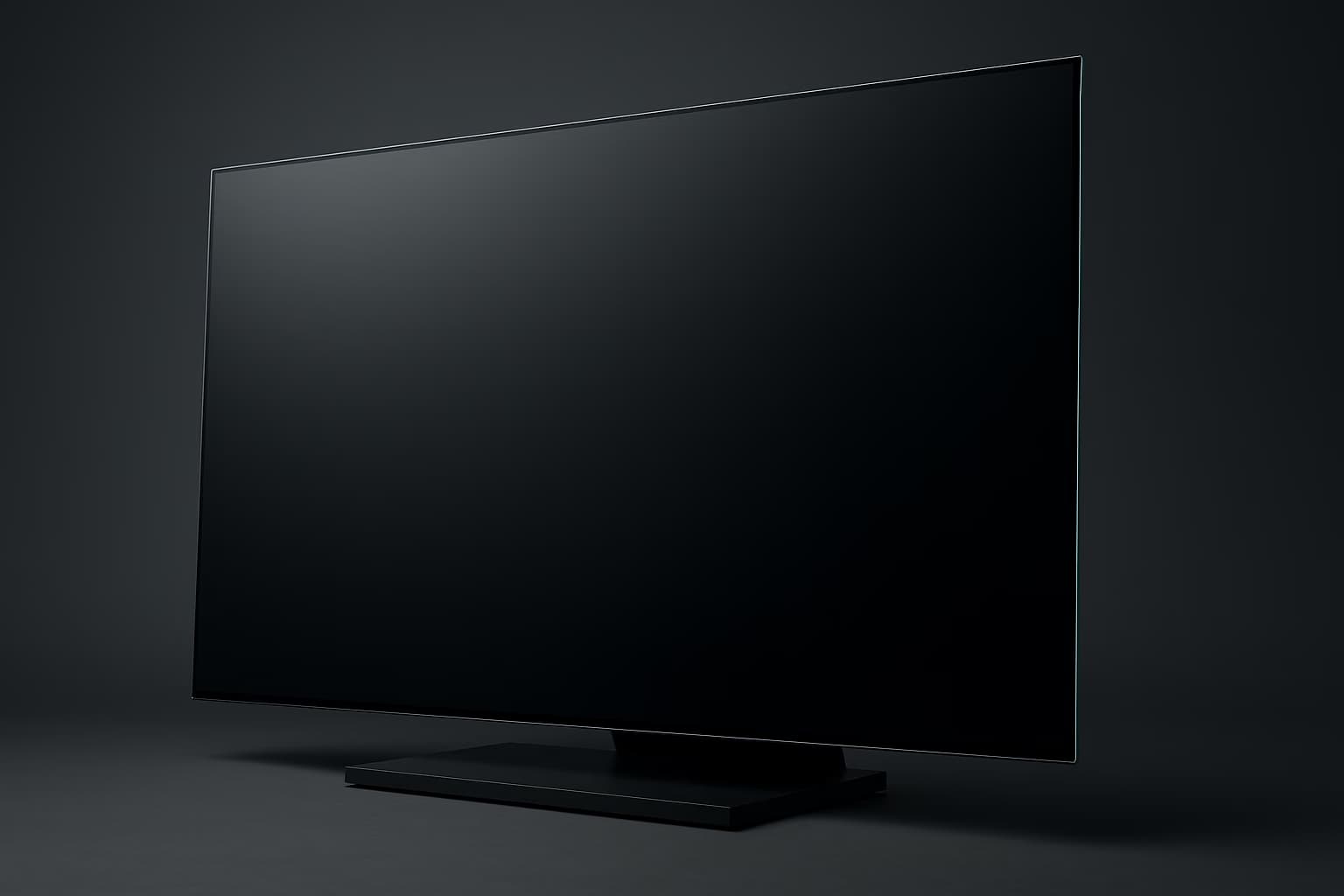
The PlayStation 5 and Xbox Series X have been able to push 4K at 120Hz since launch day, and every year more games actually hit that target. Yet most televisions on the shelf are still tuned for movie nights, not for a controller in your hands and a console feeding a high-frame-rate signal down the cable.
That gap is exactly why a gaming TV is its own category, distinct from the desktop panels in our gaming monitor guide. A living-room set has to do everything a good monitor does — low input lag, variable refresh rate, a high refresh ceiling — while also being bright enough, big enough, and smart enough to hold a permanent spot on the wall.
The good news is that 2026 is a strong year to buy one. OLED panels are brighter than they have ever been, Mini-LED backlights carry more dimming zones than last generation, and HDMI 2.1 has finally become standard rather than a premium extra.
A gaming TV pairs HDMI 2.1, native 4K at 120Hz, variable refresh rate, and low input lag with a panel bright enough for HDR. Those four features let a PS5, Xbox Series X, or PC render smoothly without tearing or lag.
What Separates A Gaming TV From A Gaming Monitor
It is tempting to assume our monitor picks cover this too, but the two categories optimize for different chairs and different distances. A monitor lives an arm's length from your face on a desk, while a TV has to look sharp from a couch six to nine feet away.
That distance changes everything about size, brightness, and how the panel handles a room full of windows and lamps. It also changes the interface, since you drive a TV with a controller and a ten-foot menu rather than a mouse.
Here are the practical differences that matter when you shop:
- Screen size. TVs start where monitors stop, with 55 to 83 inches being normal for a living room.
- Brightness and HDR. A good gaming TV pushes far higher peak brightness than most monitors, which is what makes HDR highlights actually land.
- Viewing distance. TVs are engineered to look clean from the couch, not from eighteen inches away.
- Smart platform. A TV includes apps, tuners, and a remote, so it doubles as the household screen when nobody is gaming.
All of these add up to a simple rule. A TV is not a big monitor, and shopping for one as if it were leaves brightness and room fit on the table.
The Specs That Actually Matter
Marketing pages bury the four numbers that decide whether a set games well under a pile of contrast ratios and processor names. Focus on these and ignore the rest until they are satisfied.
Here is the short list, in the order it should drive your decision:
- HDMI 2.1. This is the port standard that carries 4K at 120Hz and VRR, and without a true 48Gbps HDMI 2.1 input a console is stuck at 4K/60. Count how many ports are full 2.1, because many sets give you only one or two.
- Native 4K at 120Hz. The panel itself must refresh at 120Hz, not merely accept a 120Hz signal and halve it. This is what makes fast games feel fluid rather than smeared.
- Variable refresh rate. VRR syncs the screen to the console's output so frames never tear, and it comes in three flavors — HDMI Forum VRR, AMD FreeSync, and Nvidia G-Sync Compatible. Consoles use HDMI Forum VRR and FreeSync, so make sure at least one is supported.
- Low input lag with ALLM. Auto Low Latency Mode flips the TV into its fastest Game Mode the moment a console wakes, and the resulting lag should sit in the single or low double digits. That is the difference between a shot that lands and one that feels a beat late.
Everything else, from the processor branding to the number of speakers, is a tiebreaker rather than a dealbreaker. Get the four fundamentals right and the picture is already in the top tier.
Yes, for 4K at 120Hz. HDMI 2.1 carries the bandwidth that 4K/120 and VRR require, while HDMI 2.0 caps a console at 4K/60. Confirm the set has at least one true 48Gbps HDMI 2.1 port before you buy.
Aim for under 15ms at 4K/60 and under 10ms in Game Mode at 120Hz. Anything under 20ms feels responsive to most players, while competitive shooter fans should target single digits.
OLED Or Mini-LED? The Only Real Decision
Once the fundamentals are covered, the choice narrows to two panel technologies, and they genuinely play differently. OLED lights every pixel individually, while Mini-LED shines thousands of tiny LEDs through an LCD layer in dimmable zones.
OLED gives you perfect blacks, effectively instant pixel response, and the cleanest motion in the business, which is why competitive players lean toward it. Mini-LED counters with far higher peak brightness and no burn-in risk at all, which matters in a sunny room or during a hundred-hour single-game run.
OLED wins on contrast, motion clarity, and near-instant response, making it the default for competitive play. Mini-LED wins on peak brightness and carries no burn-in risk, which suits bright rooms and marathon sessions.
Burn-in is the one asterisk on OLED, and in 2026 it is a manageable risk rather than a dealbreaker. Pixel-shifting, logo-dimming, and smarter panel-refresh routines have pushed the danger zone out to hundreds of hours of static HUDs at high brightness.
For mixed use in 2026 it is minimal, thanks to pixel-shifting and logo-dimming. The risk rises with static HUDs held at high brightness for hundreds of hours, so Mini-LED stays the safer pick for one-game marathons.
Best OLED Gaming TVs For 2026
For most players who game in a light-controlled room, OLED is the pick, and three families lead the pack. Model numbers advance every year, so confirm you are looking at the current generation before you buy.
LG C-Series OLED
The C-series remains the default recommendation for gaming because it does everything and skips almost nothing. All four HDMI ports are full 2.1, and it supports HDMI Forum VRR, FreeSync, and G-Sync Compatible, so any console or PC is covered.
LG's Game Optimizer menu puts refresh rate, VRR status, and black levels one click away, and input lag is among the lowest you can measure. If you want one TV that plays everything without a caveat, start here.
Samsung S90 QD-OLED
Samsung's QD-OLED panel adds a quantum-dot layer that pushes color volume and brightness past traditional OLED, so HDR highlights punch harder. It supports FreeSync and HDMI Forum VRR and runs games at up to 4K/144Hz for PC players.
The trade-off is Samsung's ongoing omission of Dolby Vision, which some HDR games and most streaming apps use. If your library leans console and your room runs a little brighter, the extra luminance is worth it.
Sony Bravia QD-OLED
Sony's flagship QD-OLED is the choice for players who also watch a lot of movies, thanks to processing that many reviewers rate as the best in the category. It handles 4K/120 and VRR, and its Auto HDR Tone Mapping tunes itself when it detects a PS5.
The catch is that only two of its four HDMI ports are full 2.1, so a soundbar and two consoles can crowd the inputs. Plan your port layout before you commit.
All three OLEDs will make a current-gen console look spectacular, and the deciding factor is usually your room's brightness and which ecosystem you already trust. When in doubt, the LG C-series is the safest all-rounder.
Best Mini-LED Gaming TVs For 2026
If your gaming room has big windows, or if you play the same HUD-heavy title for hundreds of hours, Mini-LED sidesteps both the brightness and the burn-in worries. These sets trade OLED's perfect blacks for sheer luminance and value.
TCL QM-Series
TCL's QM-series has become the value benchmark, packing a huge number of local dimming zones and eye-searing peak brightness for the money. It handles 4K/120 with VRR and, on larger sizes, pushes to 144Hz for PC use.
Blooming — a faint halo around bright objects on dark backgrounds — is the usual Mini-LED compromise, and TCL keeps it well controlled for the price. For a big screen on a budget, it is hard to beat.
Hisense U-Series
Hisense's U-series trades blows with TCL and often wins on brightness, making it a standout for daylight gaming. It supports VRR, ALLM, and 4K/120, with the step-up models reaching even higher zone counts and frame rates.
The smart platform and motion handling sit a notch behind the OLED flagships, but the core gaming picture is excellent. This is the set for a bright den where OLED would look washed out.
Samsung Neo QLED (QN90-Series)
Samsung's Neo QLED line is the premium Mini-LED option, with the best anti-glare coating in the category and a wide viewing angle. All four HDMI ports are 2.1, it supports FreeSync and HDMI Forum VRR, and it runs up to 4K/144Hz.
It costs more than the TCL or the Hisense, but the glare handling alone can justify it in a room you cannot darken. For a bright, multi-window space, it is the Mini-LED to beat.
Any of these Mini-LED sets will out-muscle an OLED on pure brightness while dodging burn-in entirely. Choose them when your room fights you on light, or your play style leans toward marathon sessions of one game.
| Pick | Panel | Best for | Standout strength |
|---|---|---|---|
| LG C-Series | WOLED | All-around gaming | Four HDMI 2.1 ports, every VRR flavor |
| Samsung S90 | QD-OLED | Brighter OLED rooms | Quantum-dot color and luminance |
| Sony Bravia | QD-OLED | Games plus movies | Best-in-class processing |
| TCL QM-Series | Mini-LED | Big screen on a budget | Brightness per dollar |
| Hisense U-Series | Mini-LED | Daylight gaming | Peak brightness |
| Samsung Neo QLED | Mini-LED | Bright, glary rooms | Anti-glare coating |
Matching The TV To Console And PC
A PS5 or Xbox Series X is the easy case, because both output 4K/120 and HDMI Forum VRR over a single HDMI 2.1 cable, and ALLM handles the switch to Game Mode automatically. Turn on 120Hz output and VRR in the console's video settings and you are done.
PC is where port bandwidth and VRR flavor matter more, since a strong GPU can push past 120fps when the panel allows. If you also game on the go, our guides to handheld gaming PCs and budget gaming laptops pair well with a big-screen set for docked play.
Streamers and clip-makers should check HDMI passthrough before buying, and route the console through a capture card rather than relying on the TV. That keeps your recording chain independent of the panel's processing.
For most living rooms, 55 to 65 inches at a six-to-nine-foot distance hits the sweet spot. Step up to 77 inches only if you sit back nine feet or more, or the image breaks into visible pixels.
Size, Distance, And Room Light
Bigger is better only up to the point where you can see the pixel structure or have to crane your neck. For a couch six to nine feet away, 55 to 65 inches is the sweet spot, and 77 inches works only when you sit back nine feet or more.
Room light is the other half of the equation, and it should steer the OLED-versus-Mini-LED call as much as any single spec. A dark den flatters OLED's contrast, while a bright, windowed room rewards Mini-LED's brute-force brightness.
Five-minute setup checklist:
- Plug the console into a confirmed full-bandwidth HDMI 2.1 port.
- Enable 4K/120Hz output and VRR in the console's video menu.
- Switch the picture mode to Game Mode, or trust ALLM to do it for you.
- Turn on HGIG in the HDR settings, then run the console's HDR calibration.
- On OLED, enable pixel-shifting and logo-dimming to protect the panel.
The Rest Of Your Battlestation
A great panel is only as good as the gear feeding and surrounding it. Once the TV is set, the upgrades that matter most are the ones your hands and ears touch every session.
A low-latency gaming headset keeps positional audio in sync with a fast panel, and a comfortable gaming chair makes the long sessions a good OLED encourages actually bearable. If your TV doubles as a desk display, our picks for gaming desks and controllers round out the setup.
Gaming TV FAQs
Is a gaming TV better than a gaming monitor?
Neither is strictly better; they solve different problems. A TV wins on screen size, HDR brightness, and couch console play, while a monitor wins on desk ergonomics, higher refresh rates, and lower latency for competitive PC gaming.
Do all HDMI 2.1 ports support 4K at 120Hz?
Not always. Some sets label a port HDMI 2.1 but cap its bandwidth below the full 48Gbps, and others put 4K/120 on only two of four ports. Check the exact port spec and plug your console into a confirmed full-bandwidth input.
Can a PS5 or Xbox Series X actually use 120Hz?
Yes, both output up to 4K/120Hz over HDMI 2.1, though only some games run at 120fps. Titles list their frame-rate modes in settings, and many offer a performance mode that trades resolution for the higher frame rate.
Does VRR really make a difference on a TV?
Yes, when frame rates fluctuate. VRR syncs the TV's refresh to the console's output, removing screen tearing and smoothing stutter in games that dip below their target frame rate, which is common in graphically heavy titles.
Should I turn on Game Mode?
Always, when you are playing. Game Mode strips out motion smoothing and heavy image processing, cutting input lag from as high as 100ms down to the single or low double digits. Leave it off only for movies.
How do I avoid OLED burn-in while gaming?
Enable pixel-shifting and logo-dimming, avoid maxing out brightness, and vary what you play. Burn-in comes from static elements like HUDs and health bars held for hundreds of hours, so mixed use keeps the risk low.
The Bottom Line
For most people in 2026, an LG C-series OLED is the gaming TV to buy, with a TCL or Hisense Mini-LED taking over for bright rooms and marathon players. Match the panel to your room's light, confirm the HDMI 2.1 ports, and the rest is detail.
Whichever set you choose, take five minutes to enable 120Hz, VRR, and Game Mode before your first session. It is the cheapest upgrade you will ever make to how your games look and feel.
Ready to build the rest of the rig around it? Compare our full gaming display guides to decide whether a TV, a monitor, or both belong in your setup.