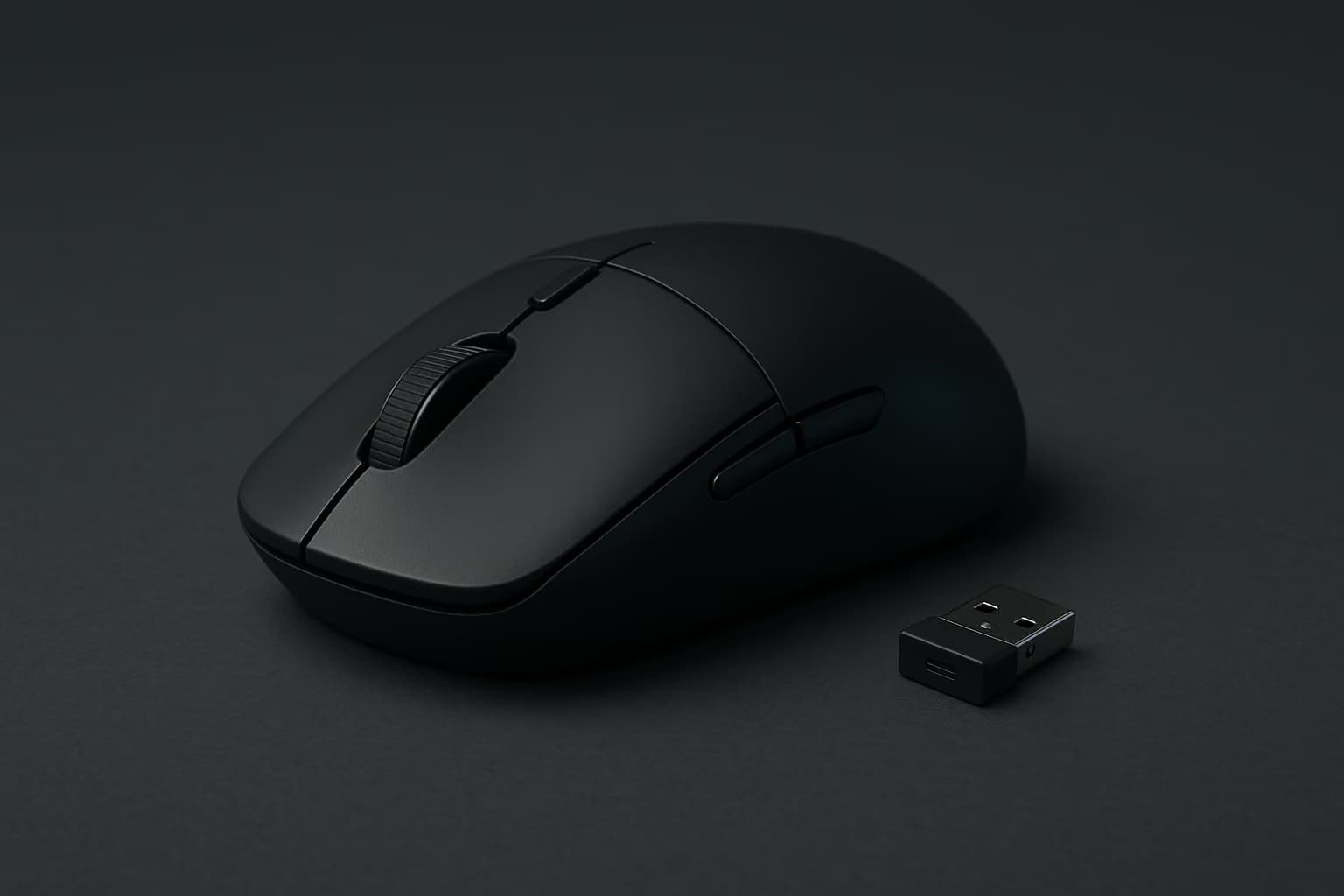
You probably assume the best gaming mouse is the one with the highest DPI on the box, the most RGB, or the most aggressive gamer-styled looks. However, the mice that actually win games in 2026 are defined by three far less glamorous things — low weight, a flawless sensor, and a shape that fits your grip.
We pulled the year's most-hyped contenders onto the same bench and ran them through flick-test drills, sensor tracking on three surfaces, and multi-hour comfort sessions. What follows is the ranked result, with a plain best-for verdict on each so you can stop guessing and start aiming.
The best all-around gaming mouse in 2026 is the Logitech G Pro X Superlight 2, pairing a sub-60-gram body with a consistent 32K-class sensor and a safe ambidextrous shape that suits almost any grip. Players chasing the absolute lowest weight should instead pick a sub-50-gram symmetrical mouse like the Razer Viper V3 Pro.
How We Picked From The 2026 Field
Specs on a product page tell you almost nothing about how a mouse feels 0.2 seconds into a duel. So we judged every contender on tracking consistency, click latency, weight distribution, and shape comfort rather than marketing numbers.
We looked for tracking results across control cloth, hybrid, and hard glass pads, since those expose sensor cutouts and spin-out, plus real battery life on the wireless models and how click feel holds up over long sessions.
Measured weights beat listed ones, since real-world weight often drifts a gram or two from the spec sheet. Where a model offers swappable feet or grip tape, we judged the out-of-box configuration most buyers will actually use.
Keep in mind that the right mouse is partly personal — hand size and grip style change which shape feels natural. Treat our verdicts as a shortlist, then match the shape notes to your own hand before you commit.
Best Gaming Mice 2026 At A Glance
The table below summarizes the field by weight, connection, and the player each model suits best. Detailed verdicts follow underneath.
| Mouse | Weight | Connection | Best For |
|---|---|---|---|
| Logitech G Pro X Superlight 2 | ~60 g | Wireless | All-around competitive play |
| Razer Viper V3 Pro | ~54 g | Wireless | Pure esports / FPS |
| Pulsar X2V2 | ~52 g | Wireless | Lightweight value |
| Lamzu Maya | ~45 g | Wireless | Ultralight enthusiasts |
| Razer DeathAdder V3 Pro | ~63 g | Wireless | Palm-grip / large hands |
| Glorious Model O 2 | ~59 g | Wired / Wireless | Budget lightweight |
Does Mouse Weight Really Matter?
Yes, mouse weight directly affects how quickly you can flick, stop, and micro-adjust your aim during fast duels. Most competitive players in 2026 settle between 45 and 65 grams — light enough for quick tracking, yet heavy enough that fine control and durability do not suffer.
The race to shave grams has slowed because manufacturers hit a practical floor where holes and thin shells start to hurt durability. After all, a 38-gram shell that flexes under your grip is worse than a solid 55-gram one that tracks the same.
That said, dropping from a 90-gram office mouse to a 55-gram gaming model is the single most noticeable upgrade most players will feel. The improvement in flick speed and reduced wrist fatigue is immediate.
Best Overall: Logitech G Pro X Superlight 2
The Superlight 2 remains the safe default because it does everything well and nothing badly. Its symmetrical egg shape suits claw and palm grips alike, and the sensor never spun out across any of our three test surfaces.
At roughly 60 grams it is not the lightest mouse here, but the weight is distributed so evenly that it feels lighter in motion than the scale suggests. Battery life comfortably clears a full work-and-play day on a single charge.
Best for: players who want one mouse that handles ranked FPS, MOBAs, and everyday desktop work without compromise.
Best For Esports: Razer Viper V3 Pro
If your only goal is competitive FPS, the Viper V3 Pro is the sharper instrument. At around 54 grams with an aggressive 8,000 Hz polling option, it tracks fast flicks with almost no perceptible delay.
The flat, symmetrical shape rewards a fingertip or claw grip and a lower sensitivity, which is exactly how most tournament players configure their aim. Palm-grippers with larger hands may find it a touch low and narrow.
Best for: dedicated FPS and tactical-shooter players chasing the lowest input latency.
Wireless gaming mice in 2026 are no longer slower than wired ones, because modern 2.4 GHz dongles match or beat USB cable latency while adding optional 8,000 Hz polling. Unless you are on a strict budget, a flagship wireless mouse is the better competitive choice in nearly every scenario.
Best Lightweight Value: Pulsar X2V2
The Pulsar X2V2 has quietly become the enthusiast favorite by undercutting the big brands while matching them on the metrics that count. At around 52 grams with a symmetrical shape, it tracks cleanly and feels premium in the hand.
Its slightly shorter body suits small-to-medium hands and claw grips especially well. Build quality and software trail the Logitech and Razer flagships only marginally, which is remarkable at the price.
Best for: players who want flagship-class weight and tracking without the flagship price tag.
Best Ultralight: Lamzu Maya
For players who genuinely want the lightest possible mouse, the Lamzu Maya hits roughly 45 grams without feeling like a hollow toy. Its shape is more contoured than most ultralights, which helps it stay controllable at speed.
The trade-off is a more niche audience — if you have never used a sub-50-gram mouse, the near-weightless feel takes adjustment. Once it clicks, going back feels like dragging a brick.
Best for: enthusiasts who already run light and want to push weight to the floor.
Best For Large Hands: Razer DeathAdder V3 Pro
The DeathAdder line has anchored palm-grip players for over a decade, and the V3 Pro modernizes it to about 63 grams. Its tall, ergonomic hump fills the palm and supports long sessions without the cramping a flat shape can cause.
It is right-handed only, so left-handed players will need to look elsewhere. For everyone else with medium-to-large hands, it is the most comfortable mouse on this list.
Best for: palm-grip players and anyone with larger hands who values comfort over raw gram count.
Best Budget: Glorious Model O 2
You do not need to spend flagship money to get a competitive mouse in 2026. The Model O 2 delivers a sub-60-gram body, a capable sensor, and a proven symmetrical shape for noticeably less than the top picks.
Its switches and build feel a step below the premium models, and the wireless version costs more than the wired one. Even so, the value-to-performance ratio is hard to beat at this price.
Best for: first-time upgraders and anyone building a capable setup without overspending.
Match The Mouse To Your Grip
There are three main grips: palm, where your whole hand rests on the shell; claw, with arched fingers and a partly raised palm; and fingertip, where only your fingertips touch. Palm grips suit taller ergonomic shapes, while claw and fingertip grips favor lighter, flatter symmetrical mice.
Identifying your grip is the fastest way to cut the field in half before you compare anything else. Note that most players naturally drift between claw and fingertip during fast aiming, so a versatile symmetrical shape is the safest starting point.
What To Look For In A Gaming Mouse
Beyond weight, three specs separate a great mouse from a merely flashy one. Focus on the sensor, the switches, and the shape before you ever look at the DPI marketing.
For competitive play, a sensor offering 26K to 32K DPI is far more than enough, since most players actually game between 400 and 1,600 DPI. What matters is tracking consistency with zero smoothing or acceleration, not the headline DPI number — a flawless 26K sensor beats a jittery 32K one.
Switch type determines how your clicks feel and how long they last, and optical switches resist the double-click failure that plagued older mechanical ones. Polling rate above 1,000 Hz helps on high-refresh monitors, though the jump to 8,000 Hz is a refinement rather than a revelation.
Shape is the most personal factor and the easiest to get wrong by buying on hype. Match the mouse to your grip — fingertip and claw grips favor flat symmetrical shapes, while palm grips reward a taller ergonomic hump.
Do not overlook the feet and cable, which shape glide more than buyers expect. Premium PTFE feet and a flexible paracord cable — or no cable at all — make a budget mouse feel far smoother than its price suggests.
An 8,000 Hz polling rate is worth it only if you own a 240 Hz or faster monitor and a CPU with headroom to spare. The latency reduction is real but small, so most players will not feel it — at 1,000 Hz, every mouse here already feels instant.
Building The Rest Of Your Setup
A great mouse is only one piece of a competitive rig, and it performs best alongside the right supporting gear. Pair it with one of the boards from our gaming keyboards guide for fast, consistent inputs across both hands.
Clear audio matters just as much as aim, so check our best gaming headsets roundup for positional sound that helps you hear footsteps first. Then make sure your display can keep up by reading our high-refresh gaming monitors picks.
If you also play on the couch, our gaming controllers guide covers the best pads for 2026. And for the marathon sessions, a supportive seat from our gaming chairs roundup keeps fatigue from wrecking your aim late in a match.
Streamers have two more pieces to sort, and our streaming microphones and capture cards guides cover both. Clean audio and a reliable capture pipeline matter as much as your aim once an audience is watching.
Frequently Asked Questions
Is a wireless gaming mouse worth it in 2026?
Yes. Modern 2.4 GHz wireless matches wired latency, and flagship models add optional 8,000 Hz polling, so you gain freedom of movement with no real performance penalty.
How light should a gaming mouse be?
Most competitive players settle between 45 and 65 grams. That range is light enough for fast flicks while staying stable; going below 45 grams offers diminishing returns and can hurt durability.
What DPI do esports pros actually use?
Most professionals play between 400 and 1,600 DPI and adjust in-game sensitivity from there. Headline figures like 32,000 DPI are marketing; tracking consistency matters far more than the maximum number.
Are optical switches better than mechanical ones?
For longevity, yes. Optical switches avoid the double-click failure that affects aging mechanical switches, and they offer slightly faster actuation, though the feel is a matter of preference.
Do I need an 8,000 Hz polling rate?
Only if you pair it with a 240 Hz or faster monitor and a capable CPU. The latency reduction is genuine but small, and a standard 1,000 Hz polling rate already feels instant to most players.
The bottom line for 2026 is simple — buy for weight, sensor consistency, and shape, and ignore the DPI arms race. Match the picks above to your grip and your budget, then round out the rest of your rig with our peripherals guides to get the most from every upgrade.