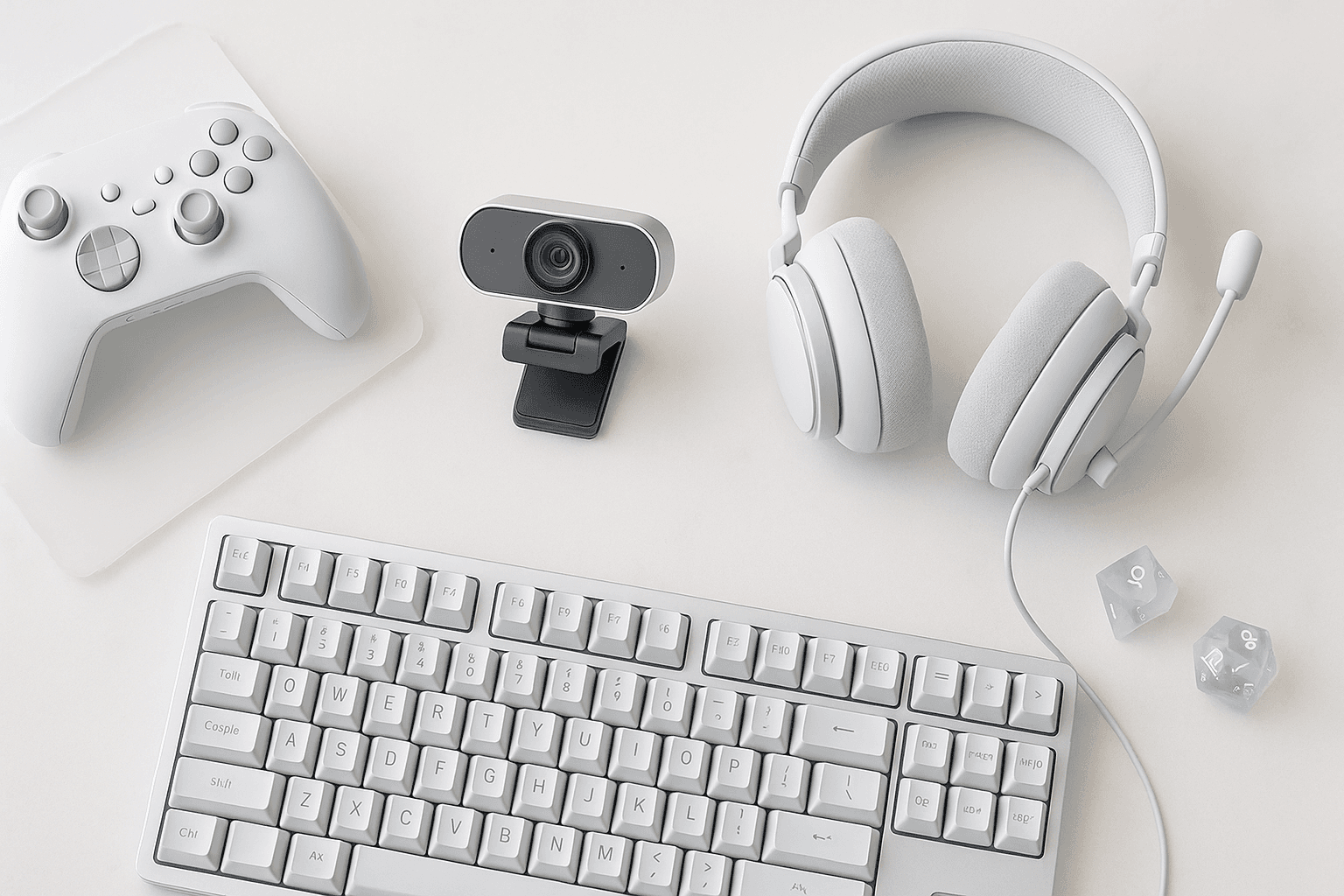
You probably treat your webcam as an afterthought — the thing you bought years ago and forgot about while you poured money into a mechanical keyboard, a capture card, and a boom-arm microphone gaming capture software . However, your webcam is the one piece of gear your audience stares at for the entire stream best streaming lights , and a soft, grainy, badly-framed face cam quietly undoes every other upgrade on your desk.
That neglect made sense for a long time, because webcams were genuinely bad and overpriced. In 2026 that excuse is gone — 4K sensors, real autofocus, and gimbal-based AI tracking have all dropped into mainstream price tiers, so the gap our best streaming microphones guide and capture card breakdown left open is finally worth closing.
We ran the current field through the same room, the same lighting swings, and the same framing tests to separate the genuine upgrades from the spec-sheet noise. Here's what actually earns a spot on your desk.
What Is The Best Streaming Webcam In 2026?
For most streamers the Elgato Facecam MK.2 wins on sharp, reliable 1080p60. For 4K headroom choose the Facecam Pro; for dark rooms, the Razer Kiyo Pro Ultra's large sensor stays cleanest.
The five picks below cover every realistic budget and room condition, from a pitch-dark bedroom to a daylight-flooded office. Each one earned its place for a specific reason, not an overall "best" trophy that ignores your actual setup.
| Webcam | Max resolution | Standout spec | Best for |
|---|---|---|---|
| Elgato Facecam Pro | 4K60 | Sony STARVIS sensor, no onboard mic | Max-quality dual-PC and capture-card rigs |
| Razer Kiyo Pro Ultra | 4K30 | Large 1/1.2-inch STARVIS 2 sensor, f/1.7 | Dim rooms with no key light |
| Obsbot Tiny 2 | 4K30 | Physical gimbal AI tracking | Creators who move around on camera |
| Elgato Facecam MK.2 | 1080p60 | Locked fixed focus, Sony sensor | Most streamers, most of the time |
| Logitech Brio 100 / Anker PowerConf C200 | 1080p | Plug-and-play, low cost | A first webcam on a tight budget |
What Actually Makes A Webcam Good For Streaming?
Resolution is the number on the box, but it sits near the bottom of what decides real image quality. The four specs below move the needle far more, and they're exactly where the cheap cameras quietly cut corners.
Read this section before you sort by megapixels, because a 4K sensor on a tiny chip with a slow lens will lose to a good 1080p camera in every room that isn't perfectly lit.
- Sensor size. A physically larger sensor collects more light per pixel, which means less noise in a dim room and cleaner color overall. This single spec separates a premium webcam from a budget one more than resolution ever will.
- Aperture (f-stop). A wider aperture — a lower f-number like f/1.7 — lets in more light and gives you that subtle background blur. It's the difference between a flat, flashlight look and a webcam that actually flatters your face.
- Autofocus behavior. Continuous autofocus that hunts mid-sentence is worse than no autofocus at all. The best streaming cameras either lock focus reliably or let you set it manually and leave it alone.
- Frame rate at your resolution. Many "4K" webcams only hit 4K at 30fps and drop to 1080p for 60fps. For gaming and reaction content, smooth 60fps motion matters more than 4K stillness — so check the resolution-to-framerate pairing, not just the headline number.
- USB connection. 4K60 and uncompressed feeds need USB 3.0 and a quality cable, and plugging a high-end camera into a hub or an old port silently downgrades it. Be aware that the cable and port can bottleneck a camera you paid a premium for.
All of this adds up to one rule: buy for the sensor and the lens, then treat resolution as the tiebreaker. That's the order that survives contact with a real, imperfectly-lit room.
Continuous autofocus that hunts mid-sentence is the most distracting webcam flaw. Look for reliable fixed focus or lockable manual focus, like the Elgato Facecam line, so the image never drifts while you talk.
Best Overall 4K — Elgato Facecam Pro
The Facecam Pro is the camera to buy when image quality is the whole point and you have the rig to feed it. It shoots true 4K at 60fps through a Sony STARVIS sensor, and it skips the onboard mic entirely on the assumption you already run a real one.
That single decision tells you exactly who it's for: streamers who've already solved audio and want the cleanest possible face cam to match. It's demanding on USB bandwidth and it isn't cheap, so it's genuine overkill for a casual setup.
Best for: dual-PC and capture-card streamers who want maximum sharpness and pair it with one of the mics from our best streaming microphones guide.
Low-light performance comes from sensor size and aperture, not resolution. A large 1/1.2-inch sensor with an f/1.7 lens gathers far more light than a tiny 4K chip, so it stays clean and color-accurate in a dim room.
Best Low-Light Pick — Razer Kiyo Pro Ultra
If your streaming room is a dim bedroom and a key light isn't happening, the Kiyo Pro Ultra is the answer. Its standout feature is an unusually large 1/1.2-inch Sony STARVIS 2 sensor paired with a bright f/1.7 lens, which is the exact combination that beats noise in the dark.
The trade-off is that it tops out at 4K30 and is physically big, so it dominates a small monitor. In good light other cameras match it, but in bad light nothing in this price range is close.
Best for: creators shooting in dim or mixed lighting who refuse to add a ring light.
Best AI Auto-Framing — Obsbot Tiny 2
"AI tracking" is the most abused phrase in webcam marketing, so the distinction here matters. The Obsbot Tiny 2 uses a physical motorized gimbal to pan and tilt and genuinely follow you, while most "AI" webcams just crop into a wide static sensor and call that digital zoom tracking.
The gimbal approach keeps you centered without throwing away resolution, which is why it's the pick for anyone who stands up, draws on a whiteboard, or moves around a workout or craft stream. For a seated talking-head stream you'll never move enough to need it.
Best for: solo creators who leave the chair — fitness, music, cooking, and whiteboard content.
AI tracking is worth it only if you move on camera. A physical gimbal like the Obsbot Tiny 2 follows you without losing resolution; digital tracking just crops a wide sensor and softens the image. Seated streamers can skip it.
Best 1080p Workhorse — Elgato Facecam MK.2
This is the camera most streamers should actually buy. The Facecam MK.2 delivers crisp 1080p at 60fps with a quality Sony sensor and a fixed-focus lens that never hunts, which removes the single most distracting webcam failure.
It won't downsample 4K for you and it has no tracking, but it nails the fundamentals at a mid-tier price. For the overwhelming majority of Twitch and YouTube streams that cap at 1080p anyway, that's the entire job done.
Best for: most streamers who want a sharp, dependable 1080p60 face cam and nothing they'll never use.
Best Budget Pick — Logitech Brio 100 & Anker PowerConf C200
You do not need to spend big to look presentable, and these two prove it. Both deliver clean, well-exposed 1080p in good lighting, plug in with zero software fuss, and cost a fraction of the premium field.
They fall apart in dim rooms and their autofocus and color are merely fine, but that's the honest cost of the price. As a first webcam or a backup angle, either one is the right call.
Best for: newer streamers in decent lighting who want a real upgrade over a laptop camera without overspending.
The best budget streaming webcams are the Logitech Brio 100 and Anker PowerConf C200. Both shoot clean 1080p in good light and cost far less than premium models, though they struggle once the room gets dim.
Do You Actually Need 4K?
Probably not in the way the marketing implies, and this is the most common money-waster in the category. Twitch caps most streamers at 1080p60, and even YouTube viewers rarely watch a face cam at native 4K, so you are almost never broadcasting 4K to anyone.
The real value of a 4K webcam is downsampling — the camera oversamples a high-resolution image and shrinks it to a clean 1080p that looks sharper and less noisy than a native 1080p sensor. The second benefit is framing headroom, since you can crop into a 4K feed and still output a full-resolution 1080p shot.
Most streamers don't broadcast in 4K — Twitch caps at 1080p60. A 4K webcam still helps by downsampling to a cleaner 1080p and giving you crop and framing headroom, not by streaming native 4K.
The upgrade that beats every camera on this list: light. A soft key light or even a window does more for your image than jumping a webcam tier — a budget camera in good light outperforms a premium one in the dark, every single time.
Should You Just Use A DSLR Or Mirrorless Camera?
It's the natural next question once you've seen what a big sensor does, and the honest answer is: only if you're ready for the hassle. A mirrorless camera with a fast lens will out-shoot any webcam on this list, but it needs a dummy battery, a clean-HDMI output, and a capture card to get into your PC.
That's a real rig, not a plug-and-play webcam, and it's a step most streamers don't need until image quality is their actual brand. If you go that route the camera is only half the job — the capture card handling that HDMI feed matters just as much.
How We Tested
We ran each webcam in the same room across three lighting conditions: bright daylight, a single soft key light, and a deliberately dim "bedroom at night" setup. That last condition is where the price gaps stop being theoretical.
For each camera we checked autofocus behavior while talking and leaning in, color accuracy on skin tones, noise in the shadows, and how the feed held up after downsampling to a 1080p stream. We paired every camera with an external mic so audio never colored the image judgment, the same way you'd run it next to a real microphone and a capture card in a finished setup.
The Bottom Line
Buy the Elgato Facecam MK.2 for the safe, sharp default; step up to the Facecam Pro for 4K headroom, the Kiyo Pro Ultra for dark rooms, or the Obsbot Tiny 2 if you move on camera. Then spend your next dollar on lighting, not lenses.
A webcam is just one leg of the creator stack, so once the camera is sorted, square away the rest — your audio with our best streaming microphones, your capture path with our capture card guide, and your preview with one of the best gaming monitors.
Frequently Asked Questions
Is a 1080p webcam still good enough for streaming in 2026?
Yes. Most platforms cap face cams at 1080p, so a strong 1080p sensor in good lighting looks excellent, and it's all the majority of streamers actually need.
Do streaming webcams have good built-in microphones?
Some do, but you shouldn't rely on them. Built-in webcam mics sound thin and pick up room echo, so a dedicated USB or XLR mic is a far bigger audio upgrade.
What webcam frame rate do I need for streaming?
Aim for 60fps at your streaming resolution. 60fps keeps motion smooth for gaming and reactions, and many 4K webcams only hit 60fps once you drop to 1080p.
Does a webcam need a capture card?
No. USB webcams plug straight into your PC, while capture cards are for HDMI sources like consoles, DSLRs, or a second gaming PC, not standard webcams.
How important is lighting compared to the webcam itself?
More important than the camera. A budget webcam in soft, even light beats a premium one in a dark room, so fix your lighting before you upgrade the sensor.