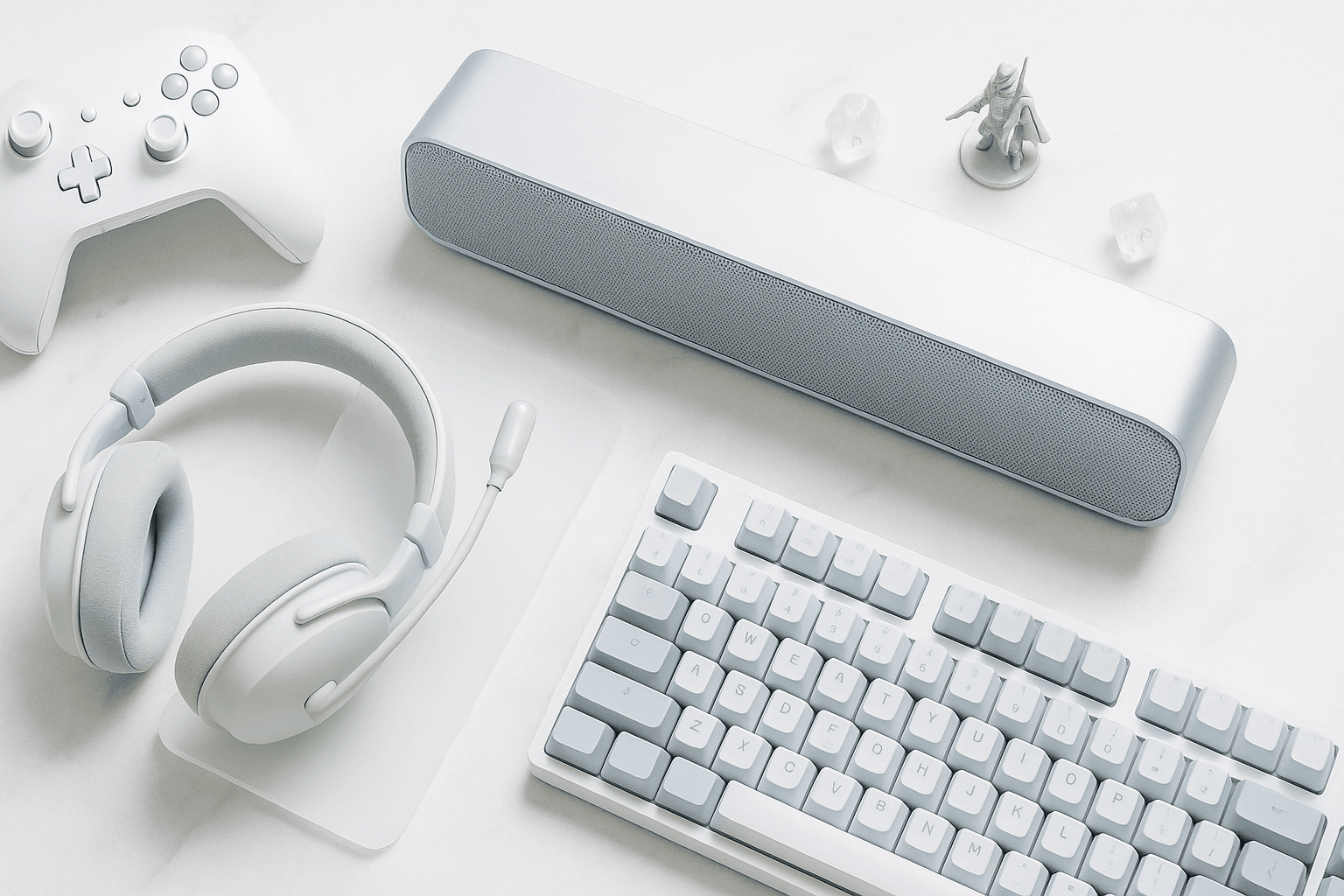
Have you heard the term near-field monitor? It describes a speaker engineered to be heard from roughly three feet away rather than across a living room — which happens to be exactly where your head sits while you game.
That distance is the whole reason desk audio behaves like its own category. At eighteen to thirty inches, you hear mostly direct sound off the driver and very little of your room, so a modest powered pair can outclass a far larger system built for a couch.
Most products sold as best gaming speakers lean on lighting and a two-inch driver, then bolt on a subwoofer to paper over the gap. The three categories that actually earn desk space are powered near-field monitors, compact bookshelf pairs, and a short list of desktop soundbars that were engineered rather than styled.
A powered near-field pair with 3- to 5-inch woofers beats a soundbar at the same price, because true stereo separation at desk distance is what creates positional imaging. Add a subwoofer only if your woofers are under 4 inches.
Why Anyone Games Without A Headset
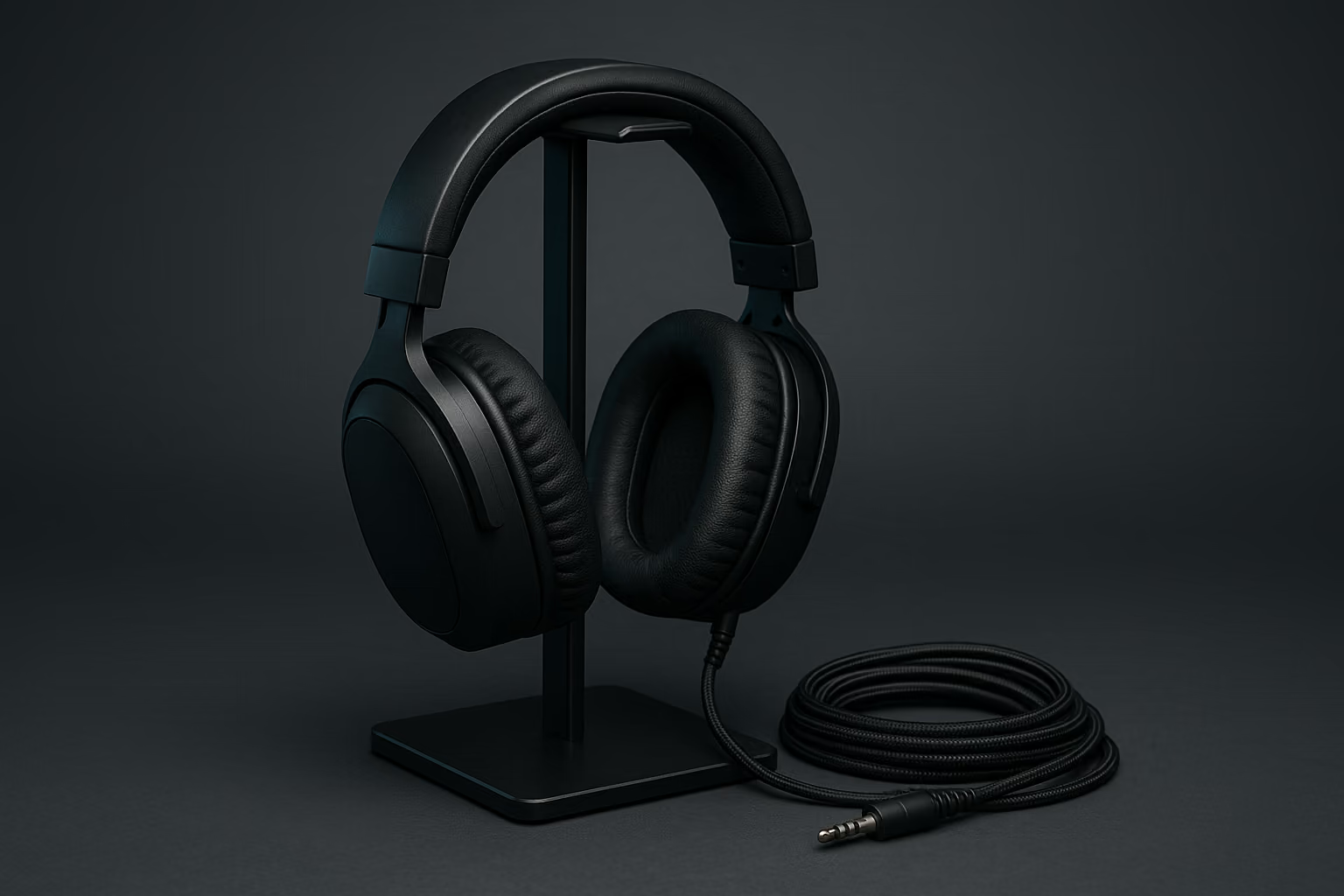
Headsets still win on isolation and on raw positional accuracy, and we say so plainly in our best gaming headsets guide. Desk speakers win on everything that has to do with sitting in a chair for six hours.
The reasons players make the switch are consistent, and they are worth naming before you spend anything:
- No clamp, no heat, no ear fatigue. Nothing touches your head, which matters most in long single-player runs and in the third hour of a raid night.
- A wider soundstage than any driver an inch from your ear can produce. Music, orchestral scores, and cinematic mixes open up in a way closed-back cups simply cannot replicate.
- Shared audio. Couch co-op, someone watching over your shoulder, or a partner in the room all work better when the sound is in the room.
- Ambient awareness. You hear the doorbell, the dog, and the person talking to you, which is the practical argument for a lot of people who work at the same desk.
Keep in mind that this is not an either-or purchase for most players. The common setup is a speaker pair for everything and a headset kept on the desk for ranked matches and late nights.
Speakers are better for comfort, soundstage, and shared play. Headsets remain better for competitive FPS and noisy households, because isolation and ear-adjacent drivers resolve footstep direction more precisely.
How We Chose These Picks
A gaming speaker has to earn its footprint at desk distance, not in a showroom, so the shortlist rules were narrow. Every pick below is a powered design with real amplification built in, a cabinet under roughly seven inches wide or a bar that fits beneath a monitor, and at least one input that is not a proprietary dongle.
We also weighted serviceability, since desk audio outlives most other gear on the desk. A speaker with a standard 3.5mm, USB-C, RCA, or optical input will still work with a console, a laptop, and a handheld five years from now.
Be aware that street prices in this category move week to week, so the table below lists bands rather than numbers. Check the retailer before you commit to a tier.
Driver Size: What 3, 4, And 5 Inches Actually Get You
Woofer diameter is the single most predictive spec on the box, because low-frequency extension is mostly a function of moving air. The general behavior of each size is stable enough to plan around:
- 2 to 2.5 inches. Typically rolls off somewhere around 100 to 120 Hz, which means explosions read as clicks and bass lines mostly disappear. This size needs a subwoofer to sound complete.
- 3 inches. The practical floor for a satisfying desk without a sub, generally reaching into the 80s Hz. Dialogue, footsteps, and most game scores land properly.
- 4 inches. Usually good into the 60s Hz, which covers the vast majority of game mixes and makes a sub genuinely optional.
- 5 inches and up. Real low end in the 50s Hz, at the cost of a cabinet that starts to crowd a 24-inch-deep desk and usually needs stands to hit ear height.
All of this adds up to a simple rule of thumb: buy the largest woofer your desk depth and your neighbors will tolerate. A 4-inch pair with no subwoofer will outperform a 2-inch pair with one in almost every mix that is not an explosion.
Woofer size predicts bass extension. Roughly, 2.5-inch drivers stop near 100 Hz, 3-inch near 85 Hz, 4-inch near 60 Hz, and 5-inch near 50 Hz. Buy the biggest woofer your desk depth allows.
The Best Desktop Speakers And Soundbars For 2026
These are ranked by how well they serve a desk, not by price. Each entry closes with the single scenario it fits best.
Kanto ORA — Best Overall Near-Field Pair
Three-inch aluminum woofers in a properly braced cabinet, a USB-C input that bypasses your motherboard's analog noise floor entirely, and a subwoofer output for later. Imaging is the standout here — voices sit in a stable center image between the cabinets rather than smearing across the desk.
Best for: the player who wants one purchase to cover games, music, and video without a subwoofer on day one.
Edifier MR4 — Best Budget Pair
A four-inch woofer at the entry tier is unusual, and it is the reason this pair punches so far above its band. Inputs are RCA and TRS with a front headphone jack, so it slots into a PC or an audio interface without adapters.
Best for: the first upgrade away from monitor speakers or a laptop, on the smallest realistic budget.
PreSonus Eris E3.5 — Best For Gaming Plus Creating
A studio-tuned 3.5-inch design with an acoustic-tuning control on the back, which matters when your desk is against a wall. The flat response is less flattering than a consumer tuning, and that is exactly what you want when you also edit clips or mix a stream.
Best for: players who edit video or audio at the same desk, especially alongside a capture card setup.
JBL 305P MkII — Best If Your Desk Can Take 5 Inches
Five-inch woofers, waveguide-loaded tweeters, and rear boundary EQ switches that compensate for a desk pushed against a wall. Be aware that these are true studio monitors: each cabinet takes its own power cable, and inputs are XLR and TRS, so budget for a 3.5mm-to-dual-TRS cable or an interface.
Best for: deep desks and players who want full-range sound without ever adding a subwoofer.
IK Multimedia iLoud Micro Monitor — Best For Tiny Desks
DSP-corrected three-inch monitors in a cabinet small enough to flank a laptop, with tilt-back pads included in the box. The correction is doing real work here, which is why they sound larger than the footprint suggests.
Best for: desks under 24 inches deep, dorm setups, and anyone who moves their rig regularly.
Audioengine A2+ Wireless — Best Compact All-Rounder
A long-running design with a built-in USB DAC, Bluetooth for phone duty, and a warm tuning that flatters game scores and older music alike. The 2.75-inch woofers are the ceiling, so plan on a subwoofer if you want cinematic weight.
Best for: mixed-use desks where the same speakers handle work calls, music, and evening gaming.
Creative Sound Blaster Katana V2X — Best Desktop Soundbar
An under-monitor bar with an included compact subwoofer, USB audio in, and processing that is genuinely useful rather than decorative. Of course a bar cannot produce the stereo width of two separated cabinets, but this one gets closer than the category average.
Best for: shallow desks where two speaker cabinets simply will not fit around the monitor stand.
Razer Leviathan V2 X — Best Slim Bar Without A Sub
Full-range drivers with passive radiators, powered and fed over a single USB-C cable, which makes it the cleanest cable run in this roundup. Bass depth is limited by physics, so treat it as a dialogue-and-clarity upgrade rather than an explosion machine.
Best for: minimal desks, single-cable setups, and secondary rigs.
KEF LSX II LT — Best Premium Pick
Coaxial drivers put the tweeter in the acoustic center of the woofer, which is the reason the imaging holds together even when you lean off-axis. Connectivity covers HDMI ARC and USB-C, so it doubles as a TV system if the desk ever becomes a living room.
Best for: the buy-once desk, and anyone whose display doubles as a media screen — see our gaming TV picks for that pairing.
Comparison Table
Here is how the shortlist compares on the four specs that decide the purchase:
| Pick | Type | Woofer | Sub included | Price band |
|---|---|---|---|---|
| Kanto ORA | Powered pair | 3 in | No (sub out) | $$ |
| Edifier MR4 | Powered pair | 4 in | No | $ |
| PreSonus Eris E3.5 | Studio monitors | 3.5 in | No | $ |
| JBL 305P MkII | Studio monitors | 5 in | No | $$$ |
| iLoud Micro Monitor | DSP monitors | 3 in | No | $$ |
| Audioengine A2+ | Powered pair | 2.75 in | No (sub out) | $$ |
| Katana V2X | Soundbar | Bar drivers | Yes | $$ |
| Leviathan V2 X | Soundbar | Full-range | No | $ |
| KEF LSX II LT | Powered pair | 4.5 in coaxial | No (sub out) | $$$$ |
Overall, the pattern in that table is the argument of this guide: the pairs cost less per inch of driver, and the bars buy back desk space instead.
Soundbars Versus A Stereo Pair
A desktop soundbar solves a physical problem. When the monitor stand and the keyboard leave no room on either side, a bar tucked under the display is the only thing that fits.
What you give up is separation. Two cabinets placed two to three feet apart produce a stereo image wide enough to place a reload on your left and a door on your right, while a single bar collapses much of that into a narrow strip in front of you.
Our rule is straightforward: choose a pair unless your usable desk depth is under about 22 inches or you need a single-cable setup. If your display is on an arm rather than a stand, you almost always have the room — our gaming monitor guide and gaming desk roundup cover the two purchases that decide it.
Choose a stereo pair for wider imaging and more driver per dollar. Choose a desktop soundbar only when usable desk depth is under roughly 22 inches or you need one cable for power and audio.
Desk Placement Matters More Than The Speaker
A well-placed budget pair will beat a badly placed premium pair, and this is the part almost everyone skips. Near-field listening is unforgiving about geometry because you are so close to the drivers.
Here is the placement sequence that produces the biggest improvement, in order:
- Build the triangle. The distance between the two speakers should roughly equal the distance from each speaker to your head, which usually means two to three feet apart on a normal desk.
- Get the tweeters to ear height. Use stands, isolation pads, or the speaker's own tilt, because a tweeter firing at your chest loses the high-frequency detail that positional cues live in.
- Toe them in. Angle each cabinet toward your temples rather than straight forward, which tightens the center image considerably.
- Respect the port. Rear-ported cabinets need six to eight inches of clearance from the wall, or you get boomy, one-note bass from boundary reinforcement.
- Decouple from the desk. Foam pads or dedicated isolation stands stop the desk surface from acting as a giant resonating panel, and this single change often removes a muddy midrange.
- Keep it symmetrical. Equal distances to side walls matter; a speaker in a corner and its twin in open space will never image correctly.
Remember that none of this costs money beyond a set of pads. Work through the list before you conclude your speakers are underpowered.
Five-minute setup check. Measure the triangle, raise the tweeters to ear height, toe in toward your temples, pull ported cabinets off the wall, and put pads underneath.
Then play a track you know well and listen for a stable center image. If the vocal sits between the speakers rather than inside either cabinet, the geometry is right.
When A Subwoofer Is Actually Worth The Footprint
A subwoofer is a second box, a second power outlet, and a permanent piece of floor real estate. That trade is worth it in some setups and actively counterproductive in others.
Add one when your main woofers are under four inches, when you mostly play cinematic single-player games or sim racing, or when you also use the desk for movies. Skip it when you live in an apartment with shared walls, when your desk sits in a bedroom, or when you play competitive shooters where extra low-frequency energy masks the footstep band you are straining to hear.
If you do add one, the crossover setting does most of the work. Set it near 80 Hz with four-inch or larger mains, and 100 to 120 Hz with three-inch mains, then start the level knob around a third of the way up and raise it only until you stop noticing the sub as a separate object.
Placement follows the same logic as the mains. On the floor beside the desk works well, while a corner will roughly double the perceived output and cost you all the definition you paid for.
Add a subwoofer if your woofers are under 4 inches or you play cinematic single-player games. Cross over near 80 Hz with larger mains, 100 to 120 Hz with small ones, and keep the level low.
Inputs, DACs, And Latency
How you feed the speakers changes the result almost as much as the speakers themselves. A desktop PC's analog output shares a board with a graphics card and a power supply, which is why USB audio so often sounds cleaner for no extra money.
The practical hierarchy for a gaming desk looks like this:
- USB-C or USB-B audio. The speaker's own DAC handles conversion, bypassing motherboard noise entirely, and it is the best default for a PC.
- Optical. The reliable path from a console or a TV, and immune to ground loops, though it usually caps at stereo PCM.
- 3.5mm or RCA. Universal and perfectly good, and the only realistic option for feeding speakers from most handheld gaming PCs.
- Bluetooth. Fine for music and menus, poor for gameplay, since standard codecs add roughly 150 to 250 milliseconds of delay and even low-latency modes trail a cable.
In fact, latency is the one place where wireless convenience has a hard technical ceiling. If a speaker's only input is Bluetooth, treat it as a music product that occasionally plays games.
Mic Bleed, Echo, And Party Chat
The real cost of gaming on speakers shows up the moment you open a mic. Your teammates hear their own voices come back through your microphone, and on a bad setup it turns into a feedback loop.
Three fixes cover almost every case. Use a cardioid microphone positioned off-axis from the speakers, keep playback volume at a conversational level, and turn on echo cancellation in Discord or your chat client rather than relying on the speaker's processing.
Streamers have a fourth consideration, which is that speaker audio re-entering the mic muddies the broadcast mix and can drag licensed music into the stream. Route game audio digitally instead — our gaming capture software guide covers separating the desktop and mic tracks properly.
Speakers plus an open mic causes echo for teammates. Use a cardioid mic aimed away from the drivers, keep volume conversational, and enable echo cancellation in your chat client rather than the speaker's DSP.
How To Judge Any Pair You Are Considering
If you shop outside this list, these are the criteria that separate a good desk speaker from a styled one:
Woofer diameter - The most honest number on the spec sheet, and the one that determines whether you will need a subwoofer within a month.
Cabinet construction - Weight and bracing suppress resonance; a light plastic enclosure will color everything it plays regardless of driver quality.
Input variety - At least one digital and one analog input keeps the speakers useful across a PC, a console, and whatever replaces them.
Footprint and port location - Measure your desk depth first, then check whether the port fires forward or backward, because a rear port sets a minimum wall distance you cannot negotiate.
Subwoofer output - A line-level sub out means you can start with a pair and expand later, which is the cheapest possible upgrade path.
The Short Version
Start with a powered pair in the three-to-four-inch range, spend twenty minutes on placement, and add a subwoofer only if the low end still feels missing after that. That order costs the least and improves the most.
And of course the headset stays on the desk for ranked play. The two setups solve different problems, and there is no reason to pretend otherwise.
Frequently Asked Questions
Do gaming speakers work as well as a headset for competitive FPS?
No. Speakers give a wider, more natural soundstage, but a headset still resolves footstep direction more precisely, because room and desk reflections blur the fine positional cues that ranked play depends on.
What size driver do I need for desktop gaming speakers?
Three inches is the practical floor for full-sounding desk audio, four inches covers most game soundtracks, and five inches delivers real low end. Under three inches, plan on adding a subwoofer.
Where should I place speakers on my desk?
Form an equilateral triangle with your head, put the tweeters at ear height on pads or stands, and toe them in toward your temples. Leave six to eight inches behind rear-ported cabinets.
Do I need a subwoofer with desktop gaming speakers?
Only if your woofers are under four inches, or you mostly play cinematic single-player games. Cross over near 80 Hz with four-inch mains and 100 to 120 Hz with smaller ones, then keep the level low.
Can I use Bluetooth speakers for gaming?
For music and slower single-player games, yes. For anything timing-sensitive, no: standard Bluetooth codecs add roughly 150 to 250 milliseconds of delay, and even low-latency modes trail a wired connection.
Are studio monitors good for gaming?
Yes. Studio monitors are designed for near-field listening, which is exactly what a desk is, and their flat tuning makes footsteps and dialogue easier to place. Most need TRS or XLR cables rather than 3.5mm.