Do you actually know what your handheld sends to a second screen when you plug one in? If you own a Steam Deck, a ROG Ally, a Legion Go, or a console that travels with you, that answer decides whether a portable panel is a genuine upgrade or dead weight in your carry-on.
Portable monitors spent most of a decade as spreadsheet accessories, sold on thinness and priced on brand name. The gaming versions arrived quietly, and the current crop ships OLED panels, 144Hz refresh, and USB-C power negotiation that a handheld can actually use.
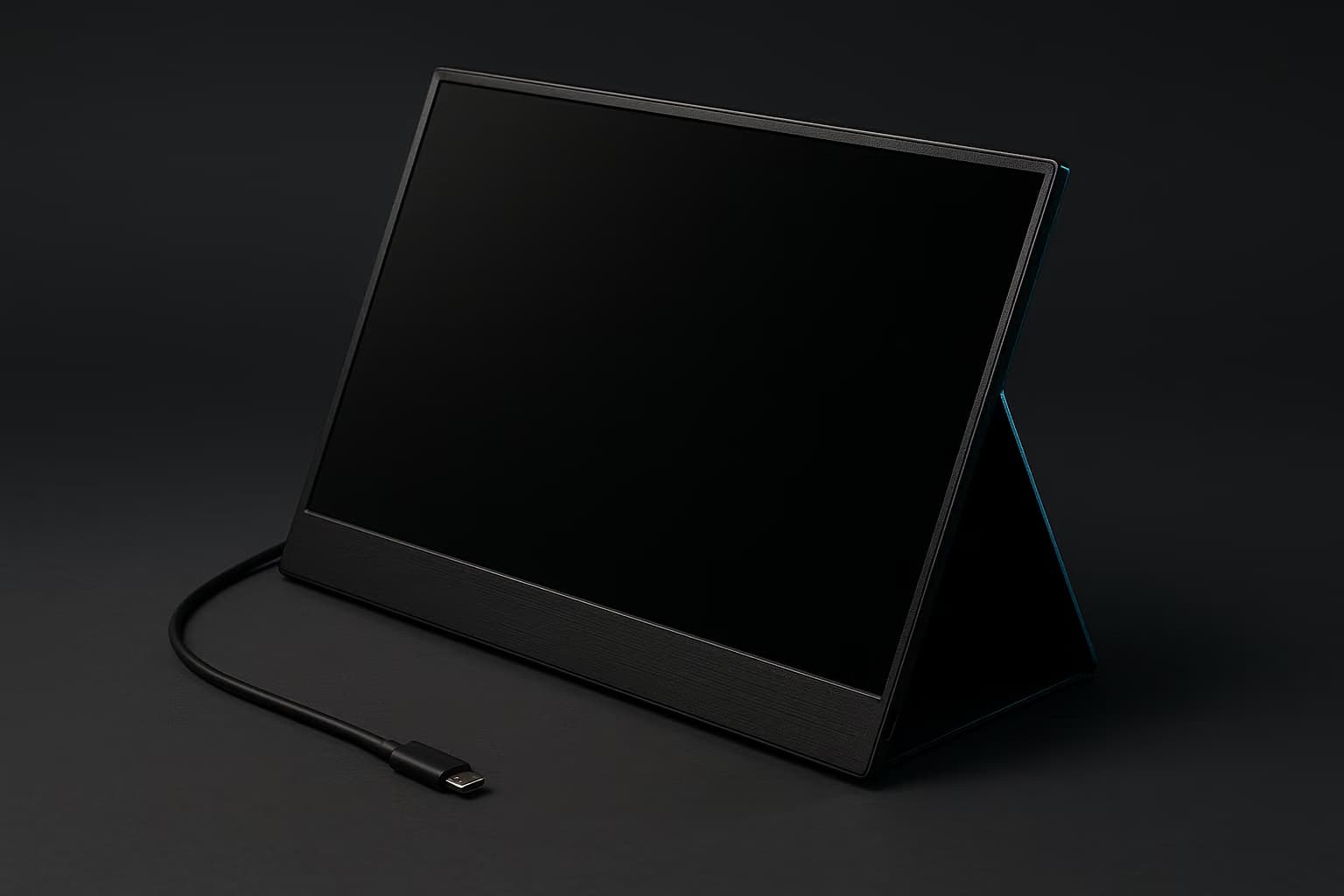
A portable gaming monitor earns its space when it adds refresh rate or screen area your handheld cannot, over a single cable. Below 300 nits and 120Hz, you are carrying a spare laptop lid.
This guide covers what the category looks like now, which panel class fits which device, and the two specs that quietly decide whether the thing works at all. Our desk-bound coverage lives in the best gaming monitors guide, and this is the travel companion to it.
What Actually Changed In The Category
Three shifts landed within about two years of each other. Handheld PCs standardized DisplayPort Alt Mode on their USB-C ports, laptop-sized OLED panels got cheap enough for accessory pricing, and USB Power Delivery reached wattage that can run a panel and charge the source device at the same time.
What's more, the dockable-console habit turned a niche accessory into a real category. A console in a hotel room, a handheld PC on a work trip, and a thin laptop on a couch all want the same thing — a second panel that takes video and power from the device it is displaying.
Keep in mind that the marketing has not caught up to the engineering. Boxes still advertise HDR and 4K on panels that cannot sustain either in any way that changes how a game looks.
How We Weigh A Travel Panel
Portable panels get judged on different axes than desktop displays, because the failure modes are different. A desk monitor fails by looking mediocre, while a travel panel fails by refusing to turn on in an airport lounge.
The criteria we apply include but are not limited to:
- Input honesty. Whether each USB-C port carries video, power, or both, and whether the HDMI port is full-size, mini, or micro. Micro-HDMI is a durability liability on a device that lives in a bag.
- Real-world brightness. Rated nits weighed against how the panel behaves under overhead light and next to a window. Anti-glare coating often matters more than the number printed on the box.
- Refresh and pixel response. Whether the panel actually accepts high refresh from your source device instead of only advertising it on the spec sheet.
- Power negotiation. How many watts the panel pulls, and whether it offers passthrough charging so the handheld is not draining while it drives the display.
- Stand and hinge. Folio kickstands sag over time, while integrated hinges hold their angle. On a wobbly hotel desk that difference becomes the entire experience.
- Packed weight and thickness. Panel, case, cable, and charger measured together, because that combination is what you actually carry.
- Audio path. Built-in speakers on portable panels are uniformly thin, so a working 3.5mm output or clean USB audio is the real fix.
All of these add up to one question: does the panel disappear into your bag and reappear working, without a hunt for the correct cable? Everything below is organized around that test.
The Spec Sheet, Decoded
Travel panels cluster into five classes, and nearly every product on the market is a variation on one of them. Here is how those classes compare on the specs that change how a game feels:
| Panel class | Typical size | Refresh | Rated brightness | Best for |
|---|---|---|---|---|
| 1080p IPS, 60Hz | 15.6-inch | 60Hz | 250-300 nits | Budget second screen, retro and indie libraries |
| 1080p IPS, high refresh | 15.6 to 16-inch | 120-144Hz | 300-350 nits | Handheld PCs and competitive shooters on the road |
| 1200p IPS, 16:10 | 16-inch | 144-165Hz | 300-400 nits | Strategy games and panels that pull double duty for work |
| 1080p or 1200p OLED | 15.6 to 16-inch | 120-144Hz | 350-400 typical, higher on small highlights | Horror, cinematic single-player, anything with deep blacks |
| 4K IPS | 15.6 to 17-inch | 60Hz | 300-400 nits | Console media, photo work, docked laptop productivity |
Note that the brightness figures above are manufacturer ratings taken in controlled conditions. Treat them as a ceiling rather than a promise.
Which Panel Class Fits Which Device
Handheld PCs: 1080p At 144Hz
A Steam Deck, ROG Ally, or Legion Go outputs cleanly over USB-C, and it renders at a resolution that a 15.6 or 16-inch 1080p panel displays natively. Feeding a 1440p or 4K travel panel from the same hardware forces either upscaling or a frame-rate collapse.
High-refresh IPS is the sensible target here, since these chips rarely sustain more than 90 frames per second in modern titles anyway. The headroom still helps in older and lighter games, where a handheld will happily push past 120.
Best for: anyone whose primary machine is a handheld PC and who wants one cable doing video and charging.
Dockable Consoles: 1080p Or 1200p At 120Hz
Current consoles top out at 120Hz over HDMI, and most portable panels expose that through a mini or micro-HDMI port rather than a full-size one. Confirm the port type before you buy, because a micro-HDMI socket is the first thing to fail in a bag full of cables.
Console play also means a separate power source, since a console will not charge your monitor the way a laptop can. Plan on a wall brick and a short HDMI run in the same pouch.
Best for: hotel-room and dorm-room console setups, and for players who already own a gaming TV at home and need a travel stand-in.
Cinematic Single-Player: OLED
OLED travel panels deliver per-pixel black levels and pixel response that IPS cannot match at this size. For horror, atmospheric adventure, and anything with a lot of night, the difference is immediately visible.
That said, sustained full-screen brightness is where these panels give ground. Play in a bright room and the OLED advantage narrows considerably.
Best for: story-driven libraries, dark rooms, and players who care about contrast more than refresh.
Laptops Doing Double Duty: 4K At 60Hz
A 4K travel panel makes sense when the same screen has to handle a spreadsheet, a timeline, and an evening of games. Pixel density at 15.6 inches is high enough that text stays crisp at 125 percent scaling.
For gaming specifically, the 60Hz ceiling is the trade you are making. Pair one with a machine from our budget gaming laptops roundup and expect to drop resolution in demanding titles.
Best for: remote workers who game at night and want one panel to serve both.
Budget And Backup: 1080p At 60Hz
The entry tier still has a legitimate use, and it is not gaming performance. A dim 60Hz panel is a fine second screen for emulation, turn-based games, a docked console running menus, or a spare display for someone else in the room.
Buy this tier knowing what it is. If you expect it to feel like your desk monitor, you will be disappointed within a week.
Best for: travel setups where a second screen matters more than a good one.
The USB-C Problem Nobody Warns You About
Not every USB-C port outputs video, and the ports look identical. A port has to support DisplayPort Alt Mode to carry a picture at all, which is why some laptops drive a panel from one side of the chassis and refuse from the other.
Check that the port you plan to use supports DisplayPort Alt Mode, not just USB data. A data-only port outputs no video at all, no matter which cable you connect.
Bandwidth is the second trap. A two-lane USB-C connection carries less than a four-lane one, so the same panel that runs 1080p at 144Hz on one device may negotiate down to 60Hz on another.
Power is the third. A 16-inch panel typically draws somewhere between 7 and 15 watts, which a handheld will happily supply from its own battery until the battery is gone.
Look for passthrough charging, a second USB-C port that accepts a wall charger while the first takes video. Without it, your handheld runs the panel out of its own battery.
Brightness, HDR, And The Window Seat
Brightness is the spec that separates a panel that works on a plane from one that works only at night. Ratings are taken in controlled conditions, so the number on the box is the best case rather than the average case.
Plan for 300 nits as an indoor minimum and 400 or more if you play near daylight. Rated brightness is measured in a dark lab, not a window seat at noon.
HDR labeling on this category is close to meaningless. Real high dynamic range needs sustained brightness and local dimming that a bus-powered 16-inch panel cannot deliver, so treat any HDR badge here as a color-processing mode rather than a feature.
OLED travel panels win on contrast and pixel response, not peak brightness. They are the right pick for dark games and the wrong pick for a sunlit patio.
Refresh Rate, Scalers, And Why Some Panels Feel Slow
Every portable monitor runs an internal scaler, and cheap scalers add latency that has nothing to do with the panel itself. This is why two displays with identical refresh specs can feel noticeably different in a fighting game.
The tell is usually native-resolution behavior. A panel that feels sluggish at 1080p while running a 1080p signal is doing unnecessary processing somewhere in the chain.
Match refresh to the source, not to the spec sheet. Current consoles cap at 120Hz over HDMI, and handheld PCs rarely sustain more than 90 frames per second in modern titles.
For instance, a 165Hz panel fed by a docked console will simply run at 120Hz, and the extra headroom does nothing. Save the money and put it toward brightness or panel technology instead.
What Rides Along With The Panel
A travel panel changes what else belongs in the bag, because the display alone does not fix audio, control, or storage. Speakers on portable monitors are almost universally thin, so plan your sound around a set from our gaming headsets guide rather than the panel itself.
Input matters just as much once the handheld is propped against a hotel lamp. A compact pad from our gaming controllers roundup turns a docked handheld into something two people can actually share.
The cable bag that prevents most problems. One certified USB-C cable rated for video, one short mini or micro-HDMI cable matched to your panel's port, and a 65W or higher charger with at least two ports.
Add a right-angle adapter if your handheld's port sits where your hand rests. Label the video-capable cable, since a charge-only cable in the same pocket is the single most common cause of a blank screen.
Storage is the quiet one. Travel means downloading over hotel Wi-Fi, so an external drive from our gaming SSDs guide saves an evening of waiting.
If you stream or record on the road, check the panel's HDMI arrangement against your capture card setup first. Passthrough ports on portable displays are rare, and a single HDMI input means choosing between recording and playing.
Where A Travel Panel Sits Next To Your Real Setup
A portable monitor is a supplement, not a replacement, and buying it as a replacement is how people end up disappointed. Refresh, brightness, size, and stand rigidity all sit below what a mid-tier desk display gives you for similar money.
Used correctly, though, it fills a gap nothing else does. When you are home, it becomes a second panel for chat and guides beside your main display, which is worth planning for when you lay out a build from our gaming desks guide.
How To Choose, In Order
Work through these in sequence, because the early items disqualify products before the later ones matter:
Source device - Match the panel to whatever you play on most, since a 165Hz display fed by a 120Hz console wastes the headroom you paid for.
Port map - Confirm DisplayPort Alt Mode and passthrough charging before anything else, because a panel that cannot take video from your device is just a return shipment.
Brightness - Buy for the brightest room you actually play in, not the average one.
Panel technology - OLED for contrast and response, IPS for sustained brightness and a lower price.
Packed weight - Add the case, cable, and charger before deciding that something is light.
Stand quality - A hinge you can adjust one-handed beats a folio that holds only two angles.
A 16-inch panel with its case, cable, and charger lands near three pounds in a bag. That is roughly a second tablet, so weigh it against everything else you already carry.
The Short Version
Buy a high-refresh 1080p IPS panel if a handheld PC is your main machine, an OLED if you play dark single-player games, and a 4K IPS only if the same screen has to work for a living. Everything else in the category is a variation on those three answers.
Prices in this segment move constantly, so check current listings at the retailer rather than trusting any figure printed in a review. For the desk-side half of your setup, start with our gaming monitor recommendations and build outward from there.