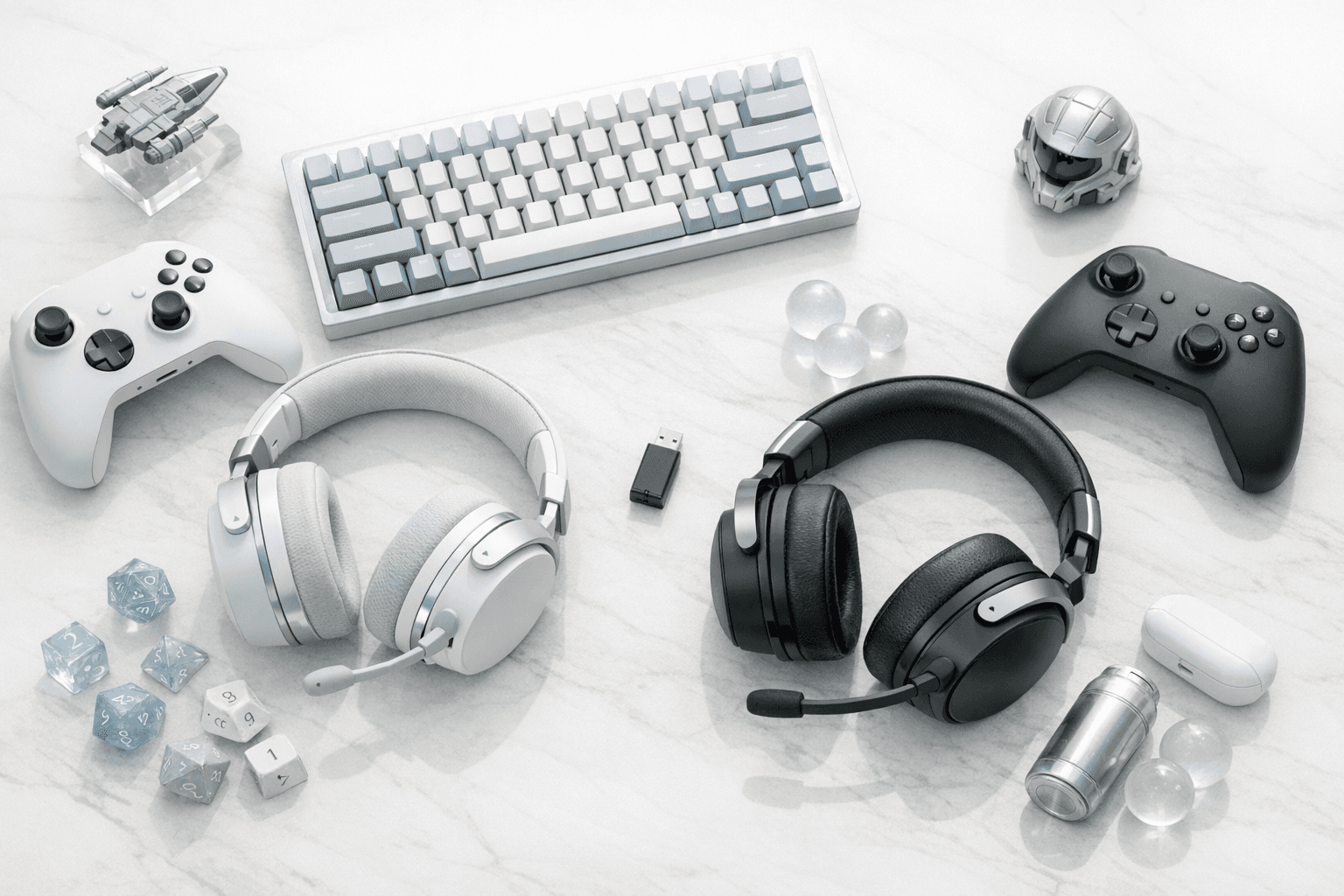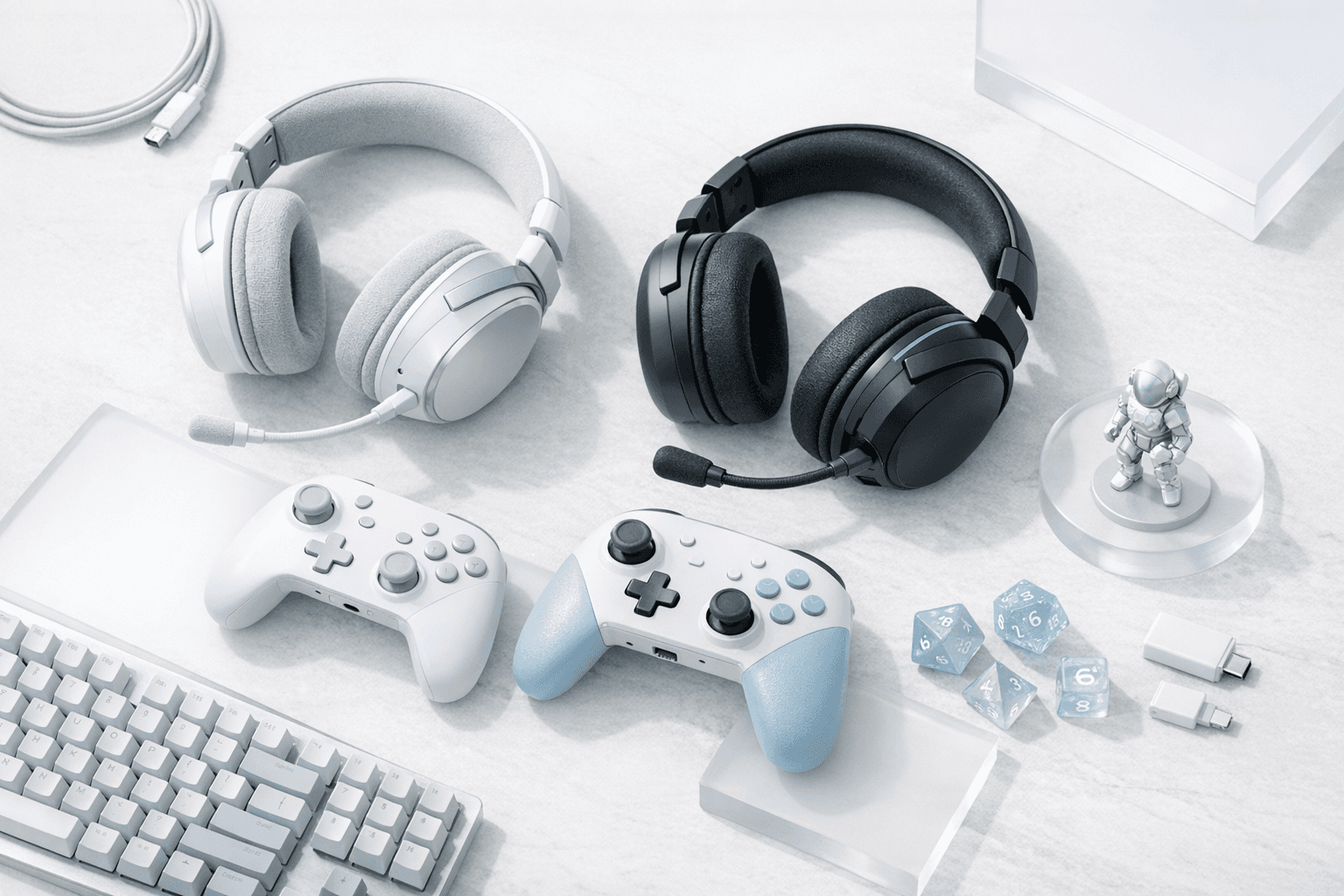
Bluetooth sound works on Nintendo Switch 2, but a Bluetooth headset's microphone does not. That one rule decides which headsets make sense, so the picks below are sorted by how they connect.
The Picks: Best Switch 2 Headsets At A Glance
Here's the shortlist, with each headset's job and its list price. Retail prices move weekly during the holidays, so each price below names its source and you should check the retailer before you buy.
| Headset | Best for | Switch 2 connection | GameChat mic | Price (source) |
|---|---|---|---|---|
| SteelSeries Arctis Nova 5 | Best overall wireless | USB-C 2.4GHz dongle + Bluetooth 5.3 | Yes, over the dongle | $129.99 launch MSRP (SteelSeries launch announcement) |
| Razer Barracuda X Chroma | Best for handheld and travel | USB-C 2.4GHz dongle + Bluetooth | Yes, over the dongle | $129.99 at Razer at launch (Windows Central) |
| SteelSeries Arctis Nova 3 Wireless (3P) | Best wireless value | USB-C 2.4GHz dongle + Bluetooth 5.3 | Yes, over the dongle | $109.99 US MSRP (SteelSeries launch release) |
| HyperX Cloud III (wired) | Best wired mic | 3.5mm, USB-C, or USB-A | Yes | $99.99 list price (shown on Staples' listing) |
| Turtle Beach Recon 70 | Best budget pick for kids | 3.5mm | Yes | $39.99 at Amazon US (SoundGuys price tracker, checked November 2026) |
The best Switch 2 headset for most people is a wireless model with a USB-C 2.4GHz dongle, like the SteelSeries Arctis Nova 5. The dongle carries both sound and mic, so GameChat works with no wires.
Keep in mind that the launch MSRPs above are a ceiling, not a floor. All five of these headsets have been discounted at major retailers through 2026, and holiday sales usually push them lower still.
How Headsets Connect To The Switch 2
The Switch 2 offers three ways to get audio into your ears, and they are not equal. Before you pick a headset, it helps to know what each path can and can't carry.
Here's how each connection type handles sound and voice on the console:
- USB-C (wired or 2.4GHz dongle). The Switch 2 has a USB-C port on the top edge and another on the bottom. A USB headset or wireless dongle in either port carries game audio and microphone input together, which makes this the most complete option.
- 3.5mm headphone jack. The console has a standard 3.5mm jack on top, and so does the Switch 2 Pro Controller. A four-pole (TRRS) wired headset gets both sound and mic through it.
- Bluetooth. You can pair Bluetooth headphones in System Settings and hear game audio and other players. However, Nintendo's own support page on GameChat microphones states that microphone input via Bluetooth is not supported on Switch 2.
All of this adds up to a simple rule for shoppers. If GameChat matters to you, buy wired or buy a wireless headset that ships with a USB-C 2.4GHz dongle.
No. On Switch 2 you can hear game audio and other players through Bluetooth headphones, but Nintendo says Bluetooth mic input is not supported, so GameChat uses the console's built-in mic instead.
What About The Built-In GameChat Mic?
The Switch 2 has a microphone built into the console itself, with noise suppression designed to pick up your voice from the couch. That means you can technically use GameChat with any headphones at all, including Bluetooth ones, while the console handles your voice.
That said, the built-in mic has real limits in a busy living room. It hears the TV, the dog, and your siblings, and its noise suppression can only filter so much before your voice starts to sound processed.
A boom mic sits a couple of inches from your mouth, so it captures more of your voice and less of the room. If you plan to chat for long Mario Kart World sessions or coordinate in co-op, a headset mic is the upgrade your friends will notice.
Also note that GameChat now requires a Nintendo Switch Online membership. Nintendo offered it free through March 31, 2026, so a headset bought as a gift this year will need an active membership for voice chat to work.
The Picks In Detail
Each headset below earned its spot for a specific Switch 2 situation. Our verdicts are based on manufacturer specifications, Nintendo's published connection rules, and published reviews, so we name what each one is for rather than pretending one headset suits everyone.
1. SteelSeries Arctis Nova 5: Best Overall Wireless
The Arctis Nova 5 is the safest wireless buy for a Switch 2 household. SteelSeries lists it at a $129.99 launch MSRP in its announcement, and it uses a USB-C 2.4GHz dongle plus Bluetooth 5.3.
The dongle plugs into the console's top USB-C port in handheld mode, and both your voice and game audio travel over it. Plus, the simultaneous Bluetooth link means you can take a phone call without unplugging anything.
Its retractable boom mic is the feature that matters for GameChat. It slides into the earcup when you just want to play, and it's close enough to your mouth when extended to cut through living-room noise.
Watch if you like: long sessions, a headset that also works with a PC or phone, and a mic that disappears when you don't need it.
2. Razer Barracuda X Chroma: Best For Handheld And Travel
The Barracuda X Chroma is built for people who play Switch 2 on a train or in bed. Windows Central reported it retailing for $129.99 at Razer when it was announced, and Razer pairs a USB-C 2.4GHz dongle with Bluetooth as a fallback.
The USB-C dongle is small enough to leave in the console's top port, which is exactly what you want in handheld mode. What's more, Razer rates the battery at up to 70 hours, so a week of commutes won't drain it.
The detachable mic means it can double as an everyday pair of headphones when you're away from the console. Just remember that once you switch to Bluetooth, your GameChat voice falls back to the console's built-in mic.
Watch if you like: portable play, all-week battery life, and a headset that doesn't look like gaming gear on the bus.
3. SteelSeries Arctis Nova 3 Wireless (3P): Best Wireless Value
If the Nova 5 stretches the gift budget, the Nova 3 Wireless covers the same essentials for less. SteelSeries' launch release set the 3P model at a $109.99 US MSRP, and it switches between a USB-C 2.4GHz connection for Switch 2 and Bluetooth 5.3 for other devices.
Its detachable ClearCast 2.X mic is the selling point here. SteelSeries says it has twice the bandwidth of the company's previous generation, which translates to a fuller, less tinny voice in chat.
The "P" version is officially marketed for PlayStation, but SteelSeries lists Switch among its supported platforms. For a Switch 2 owner, the USB-C dongle is what counts.
Watch if you like: dongle convenience at a lower price, and a mic you can remove entirely for music.
4. HyperX Cloud III (Wired): Best Wired Mic
The Cloud III is the pick for anyone who never wants to charge a headset again. Staples' listing shows HyperX's $99.99 list price, and the headset ships with 3.5mm, USB-C, and USB-A connection options.
That flexibility is what makes it a strong Switch 2 match. Plug it into the top USB-C port in handheld mode, the Pro Controller's 3.5mm jack when docked, or the dock's USB-A port across the room.
Its detachable 10mm mic has a mute LED, and the earcup carries volume and mute controls. You'll always know at a glance whether your friends can hear you, which is exactly the problem a wired GameChat headset should solve.
Watch if you like: zero latency, zero batteries, and the most connection choices on this list.
5. Turtle Beach Recon 70: Best Budget Pick For Kids
The Recon 70 is the headset to buy for a younger player who might step on it. SoundGuys' price tracker showed it at $39.99 at Amazon US in November 2026, and it connects over a single 3.5mm cable.
It uses 40mm drivers and a flip-up mic that mutes itself automatically when raised. That auto-mute is a genuinely useful feature for kids, who tend to forget the mute button exists.
Of course, a budget wired headset won't match the comfort or sound of the picks above. That said, it does the essential job well: clear game audio and a working GameChat mic.
Watch if you like: a low-stakes gift, flip-to-mute simplicity, and a headset that also works on other consoles.
For kids, a wired 3.5mm headset with a flip-to-mute mic is the easiest choice. The Turtle Beach Recon 70 needs no charging or pairing and mutes itself when the mic is raised.
Docked vs. Handheld: Which Connection Fits How You Play
How you play the Switch 2 matters as much as which headset you buy. The best connection in handheld mode is not always the best one at the TV.
Handheld Mode
In handheld mode, a USB-C dongle in the top port is the cleanest setup. It keeps the bottom port free for charging and carries your mic for GameChat.
A wired 3.5mm headset works too, but the cable runs from the top of the console to your head. Remember that this can tug on the console if you move around, so a shorter cable or a wireless dongle is usually more comfortable.
Docked Mode
Docked play is where people get stuck. The dock's ports are USB-A, so a USB-C-only dongle needs a USB-C to USB-A adapter, and not every headset includes one in the box.
Before you buy, check what's in the box for the specific model you want. Alternatively, a wired headset in the Pro Controller's 3.5mm jack lets you sit back on the couch with your mic intact.
Yes, if you use a dongle or a wired cable. In docked mode, plug a dongle into the dock's USB-A port with an adapter, or plug a wired headset into the Switch 2 Pro Controller's 3.5mm jack.
Why We Don't Recommend Bluetooth-Only Headsets
Bluetooth-only headphones aren't a bad purchase for Switch 2, but they're the wrong tool for social play. You get game audio and you hear your friends, while your own voice comes from the console's built-in mic.
Bluetooth audio also adds a small but noticeable delay compared to a 2.4GHz dongle. In rhythm games or fast shooters, that lag can throw off your timing, which is why SteelSeries positions its own Bluetooth mode mainly for phone calls.
Keep in mind that some buying guides list Bluetooth headsets as GameChat-compatible. Nintendo's support documentation says otherwise, so we follow Nintendo on this one.
Bluetooth headphones are fine for solo play and hearing friends in GameChat. For your voice to come through a headset mic, though, you need a USB-C dongle or a wired 3.5mm or USB connection.
What To Look For In A Switch 2 Headset
Our five picks cover most households, but you may already have a favorite brand. Here's the checklist we used, so you can judge any other headset against it.
These are the criteria that matter most on this console:
- A USB-C dongle or a wired option. This is the single requirement for a headset mic in GameChat. Bluetooth-only models fail this test.
- A boom or close mic. A mic close to your mouth beats the console's built-in mic in a noisy room. Retractable and detachable designs keep it out of the way during solo play.
- A dock plan. Check whether the box includes a USB-A adapter, or plan to use the Pro Controller's 3.5mm jack. Without one, docked play loses the mic.
- Battery life. Handheld players should look for battery ratings in the tens of hours. Wired headsets skip this concern entirely.
- Mute you can see. A mute LED or flip-to-mute mic prevents the most common GameChat accident.
If a headset checks all five boxes, it will work well on Switch 2. If it misses the first one, treat it as a pair of headphones rather than a chat headset.
Pair Your Headset With The Rest Of Your Switch 2 Setup
A headset is usually one piece of a bigger holiday Switch 2 upgrade. If you're building out the whole kit, a few related guides will save you some research.
Storage fills up fast with Game-Key Cards and digital downloads, so our guide to Switch 2 microSD Express cards covers which cards actually work. If you want to record or stream your sessions, our Switch 2 capture card picks handle that side of the setup.
For a deeper look at voice quality across headsets, our breakdown of gaming headset microphones explains what makes a mic sound clear. And a good headset stand keeps a wired cable from tangling behind the TV.
If you also play on other consoles, our PS5 headsets under $150 guide overlaps with several of these picks. And if you're looking for something big to play with your new headset, our list of open-world Switch games is a good place to start.
Our Verdict
For most Switch 2 owners, the SteelSeries Arctis Nova 5 is the headset to buy. It carries your voice over its USB-C dongle, works with your phone over Bluetooth, and tucks its mic away when you play solo.
Travelers should lean toward the Razer Barracuda X Chroma, while anyone who hates charging should take the HyperX Cloud III. For a child's first headset, the Turtle Beach Recon 70 is hard to argue with at its price.
Shopping across more platforms than just Switch 2? Our full guide to the best gaming headsets covers PC, PlayStation, and Xbox picks, and the Adellion gear reviews hub collects every buying guide we publish.
Price - Every price above is a launch MSRP or a dated retailer price with its source named, and holiday discounts change weekly, so check the retailer before you buy.
Connection - A USB-C dongle or a wired cable is the only way to use a headset mic in GameChat, so it outranked every other spec.
Mic design - Retractable, detachable, and flip-to-mute mics scored higher because they solve real chat problems.
Frequently Asked Questions
Does GameChat cost extra on Switch 2?
Yes. GameChat requires a Nintendo Switch Online membership after Nintendo's free access period ended on March 31, 2026, so make sure the account has an active membership.
Do the Joy-Con 2 controllers have a headphone jack?
No. The Joy-Con 2 controllers have no 3.5mm jack, but the Switch 2 Pro Controller does, and the console has its own jack on the top edge.
Will my original Switch headset work on Switch 2?
Most will. Wired 3.5mm headsets and USB-C dongle headsets that worked on the original Switch generally connect the same way on Switch 2, and Bluetooth models still give you audio without a headset mic.
Can two people use headsets on one Switch 2 at the same time?
Not as separate audio feeds. Both players hear the same console output, so a second player would need a wired headset in a second controller's jack or simply share the TV speakers.
Is a wireless dongle laggier than a wired headset?
A 2.4GHz dongle adds very little delay and feels close to wired in everyday play. Bluetooth adds more, which is why we recommend a dongle or cable for rhythm games and fast action titles.