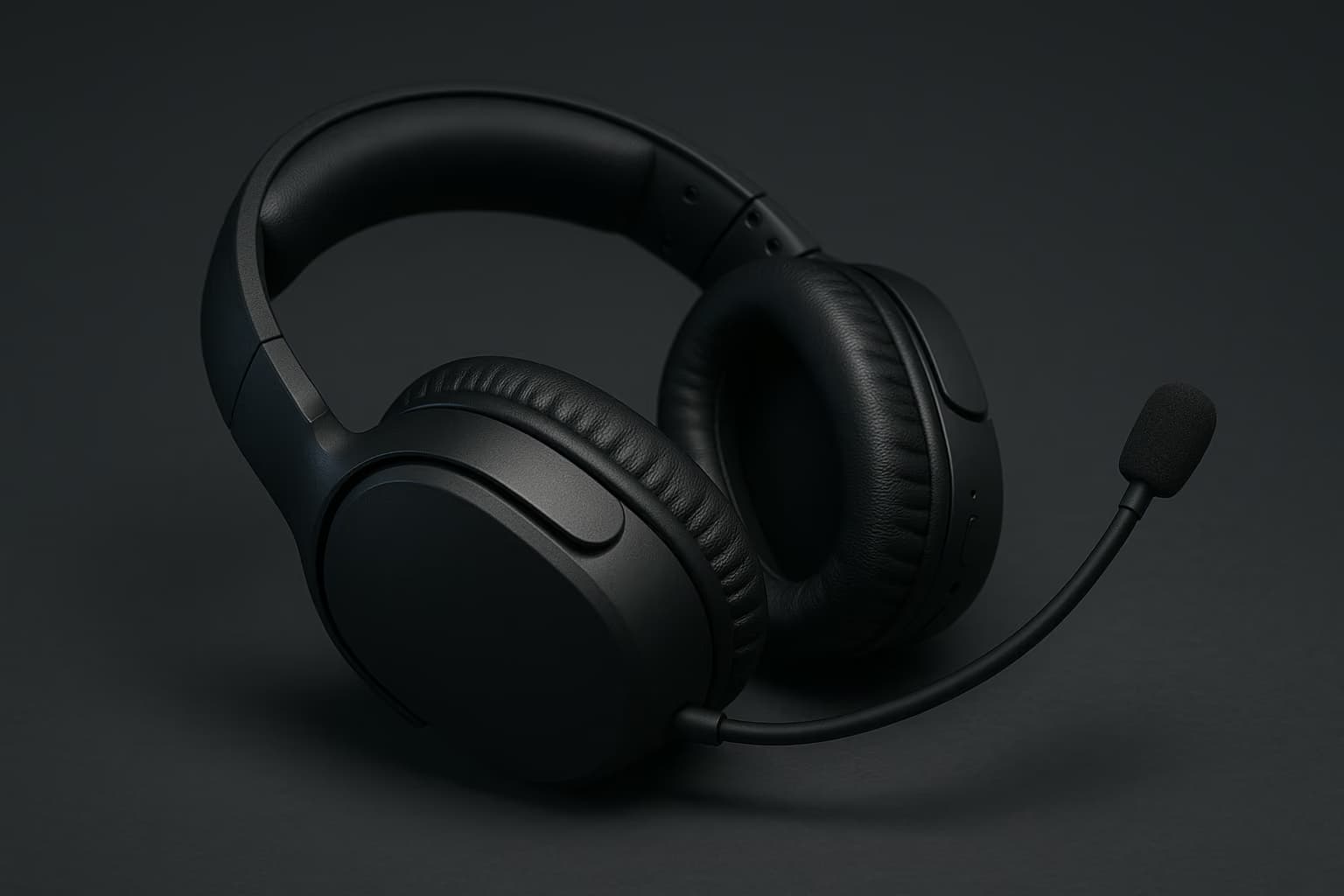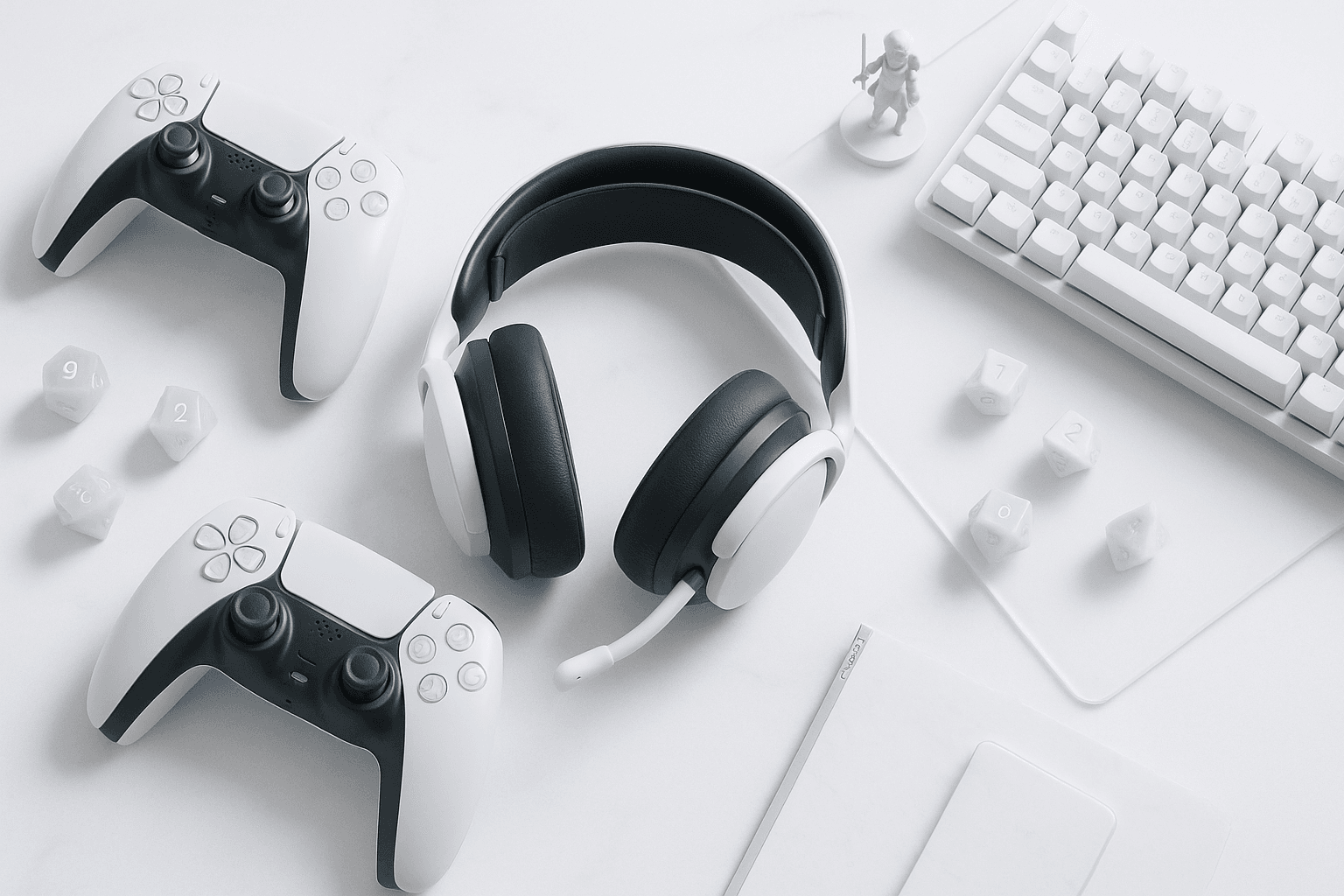
If you own a PS5 and your ceiling is US$150, these five wireless headsets are the ones worth your money. They're ranked from best overall to best budget, and each one carries its manufacturer list price and its source.
Our Picks At A Glance
Here's how the five picks compare on the three things that matter most on a PS5: connection type, rated battery life, and what each headset is best for. Keep in mind that the prices below are manufacturer list prices at launch, so confirm the current figure at your retailer before you buy.
| Headset | Best For | PS5 Connection | Rated Battery | List Price (Source) |
|---|---|---|---|---|
| Sony Pulse Elite | Best overall | PlayStation Link + Bluetooth | Up to 30 hours | US$149.99 (Sony list price, Feb 2024 launch) |
| SteelSeries Arctis Nova 5 | Battery life and EQ tuning | 2.4GHz dongle + Bluetooth | Up to 60 hours | US$129.99 (SteelSeries list price, 2024 launch) |
| Sony INZONE H5 | Long sessions, light weight | 2.4GHz dongle | Up to 28 hours | US$149.99 (Sony list price, 2023 launch) |
| Turtle Beach Stealth 600 Gen 3 | Battery on a budget | 2.4GHz dongle + Bluetooth | Up to 80 hours | US$99.99 (Turtle Beach list price, 2024 launch) |
| Razer Barracuda X | Value and portability | 2.4GHz dongle + Bluetooth | Up to 50 hours | US$99.99 (Razer list price, 2022 launch) |
The ranked short list, with the job each headset does best, includes:
- Best Overall: Sony Pulse Elite. It's built for PlayStation owners who also want the PS Portal covered, and Sony listed it at US$149.99 at its February 2024 launch. PlayStation Link, planar magnetic drivers, and a retractable noise-rejecting mic make it the most complete package at the ceiling.
- Best For Battery And Tuning: SteelSeries Arctis Nova 5. SteelSeries listed it at US$129.99 at its 2024 launch, which leaves room under the cap. The rated 60-hour battery and app-based EQ presets suit players who hate charging and love tweaking.
- Best For Comfort: Sony INZONE H5. Sony listed it at US$149.99 at its 2023 launch. It's a light, dongle-only headset with an AI noise-reduction boom mic, made for long ranked sessions.
- Best Budget Battery: Turtle Beach Stealth 600 Gen 3. Turtle Beach listed it at US$99.99 at its 2024 launch. Its rated 80-hour battery is the longest on this list.
- Best Value: Razer Barracuda X. Razer listed the 2022 model at US$99.99 at launch. It's compact enough to double as a daily-carry headset, and its detachable mic makes that easy.
For the full category — wired picks, premium flagships, and PC-first options — see our best gaming headsets guide. This post narrows that list to one buying situation: a PS5, no wires, and a hard US$150 limit.
The Sony Pulse Elite is the best wireless PS5 headset under US$150 for most players. The Arctis Nova 5 is the pick if battery life and EQ matter more than PlayStation Link.
Do You Need A Sony Headset For Tempest 3D Audio?
You probably assume that Tempest 3D Audio — the PS5's spatial sound engine — only works with Sony's own headsets, and plenty of store displays do little to correct that impression. However, the PS5 processes Tempest on the console itself, so any stereo headset connected over USB, a USB dongle, PlayStation Link, or the DualSense's 3.5mm jack can play it back.
That said, there is one exception worth knowing before you buy. The PS5 doesn't support Bluetooth audio headsets natively, which means the Bluetooth radio in a headset is useful for your phone, not for your console.
No, Tempest 3D Audio works with any stereo headset connected by USB dongle, PlayStation Link, or the DualSense 3.5mm jack. It doesn't work over Bluetooth, because the PS5 doesn't support Bluetooth audio natively.
How Tempest Works On Headphones
Tempest uses head-related transfer functions — mathematical models of how sound reaches your ears from different directions — to place footsteps, gunfire, and ambient sound around you. The console does the math, and your headset simply plays back a stereo signal that's been shaped to sound three-dimensional.
Of course, everyone's ears are shaped differently, which is why Sony includes a personalization step. Under Settings, then Sound, then Audio Output, you can turn on 3D Audio for headphones and run the 3D audio profile adjustment, picking the profile that makes a test tone sound like it's at ear level.
Keep in mind that the payoff varies by game. First-party titles built with Tempest in mind tend to show it off best, while games without native 3D audio support get far less benefit.
Why Virtual Surround Settings Can Fight Tempest
Some headsets ship with their own virtual surround modes in a companion app. If you layer that processing on top of Tempest, you're running two spatial engines on one signal, and positional cues can get muddier rather than sharper.
As a result, the safest PS5 setup is Tempest on, headset surround off, and EQ adjusted to taste. All five picks above let you do exactly that.
Dongle Latency: PlayStation Link, 2.4GHz, And Bluetooth
Latency is the delay between something happening on screen and the sound reaching your ears. In a shooter, a lag of even a fraction of a second can make a footstep feel like it came from where an enemy was rather than where they are.
There are three wireless routes a headset might use, and they behave differently on a PS5:
- PlayStation Link. Sony's proprietary wireless protocol, used by the Pulse Elite and Pulse Explore, runs through a small USB adapter. Sony describes it as lossless and low-latency, though it doesn't publish a millisecond figure.
- Standard 2.4GHz Dongles. The INZONE H5, Arctis Nova 5, Stealth 600 Gen 3, and Barracuda X all use a USB dongle on a 2.4GHz connection. These links generally land in the low tens of milliseconds, which most players won't notice in practice.
- Bluetooth. Standard Bluetooth audio codecs commonly add well over 100 milliseconds of delay. That's acceptable for a podcast on your phone, but it's a poor fit for competitive play — and the PS5 won't accept a Bluetooth headset anyway.
All of this adds up to a simple rule for PS5 buyers. Plug in the dongle or the PlayStation Link adapter for gaming, and treat Bluetooth as a bonus for phone calls and Discord on mobile.
For PS5 gaming, use the USB dongle or PlayStation Link adapter, not Bluetooth. Dongle links generally run in the low tens of milliseconds, while standard Bluetooth codecs commonly add over 100 milliseconds.
Where The Dongle Goes Matters
A dongle in the back of the console, behind a TV cabinet, has to push through more obstacles than one in the front port. If you hear dropouts, moving the dongle to a front USB port is the first fix to try, and a short USB extension cable is the second.
Note that your controller's USB port isn't an option for a dongle. If you need another port at the desk, our guide to headset stands and accessories covers USB hub stands that keep the adapter in line of sight.
The PS Portal Exception
If you also own a PlayStation Portal, the connection question gets sharper. The Portal supports PlayStation Link and wired 3.5mm audio, but it doesn't accept third-party 2.4GHz dongles or Bluetooth headsets.
This is why the Pulse Elite sits at the top of this list for Portal owners. It's the only pick here that connects wirelessly to both the console and the handheld.
Mic Quality: What Makes A Party-Chat Mic Usable
Your teammates never hear your headset's drivers — they hear its microphone. A mic that picks up your keyboard, fan, or roommate turns every callout into noise, so it's worth weighing as heavily as sound quality.
There are three things that separate a good wireless headset mic from a frustrating one:
- Distance From Your Mouth. A boom mic that sits near your mouth captures your voice more strongly than the room around you. Retractable and flip-up booms both work, as long as they reach close enough.
- Noise Rejection. The Pulse Elite and INZONE H5 both use AI-based noise reduction to filter background sound. In addition, the Arctis Nova 5's retractable ClearCast mic is tuned to cut room noise.
- Mute You Can Feel. A flip-to-mute boom, like the Stealth 600 Gen 3's, tells you your mic state without a glance. Physical mute buttons do the same job on the other picks.
Naturally, any boom mic beats the DualSense's built-in microphone, which sits in your lap and picks up button presses. If you stream or record, a headset mic is still a compromise, and our breakdown of headset microphones explains where that ceiling sits.
A boom mic close to your mouth, AI or tuned noise rejection, and a physical mute control matter most. Any headset boom mic will usually beat the DualSense's built-in mic for party chat.
The Picks In Detail
Each headset below earns its spot for a specific kind of player. Here's what each one does well, and where it falls short.
1. Sony Pulse Elite — Best Overall
The Pulse Elite is Sony's own PlayStation Link headset, and Sony listed it at US$149.99 at its February 2024 launch. It uses planar magnetic drivers, which are more common in high-end audiophile headphones than in gaming headsets at this price.
What's more, it can hold a PlayStation Link connection and a Bluetooth connection at once, so a phone call can come through while you play. The retractable mic uses AI-enhanced noise rejection, and the included charging hanger keeps it off your desk.
On the other hand, its rated battery of up to 30 hours is the shortest among the dual-wireless picks here. It's also sitting right at the US$150 ceiling, so there's no slack if a retailer's price drifts upward.
2. SteelSeries Arctis Nova 5 — Best For Battery And Tuning
SteelSeries listed the Arctis Nova 5 at US$129.99 at its 2024 launch. It pairs a 2.4GHz dongle with simultaneous Bluetooth, so game audio and a phone call can share the same headset.
Its rated battery runs up to 60 hours, and SteelSeries' companion app offers a large library of game-specific EQ presets. Keep in mind that those presets are tuning profiles, not a replacement for Tempest, so leave the console's 3D audio on.
The retractable ClearCast mic tucks away cleanly when you're playing solo. It's the strongest pick here for players who split time between a PS5 and a PC.
3. Sony INZONE H5 — Best For Comfort
Sony listed the INZONE H5 at US$149.99 at its 2023 launch. It's a dongle-only headset, which means no Bluetooth, but it's also one of the lighter options in its class at roughly 260 grams by Sony's spec.
Its flip-up boom mic uses AI noise reduction, and its rated battery of up to 28 hours covers several long sessions between charges. If you play ranked matches for hours at a time, comfort is the reason to choose it over the Pulse Elite.
4. Turtle Beach Stealth 600 Gen 3 — Best Budget Battery
Turtle Beach listed the Stealth 600 Gen 3 at US$99.99 at its 2024 launch. Its rated battery life of up to 80 hours is the longest of the five picks.
It adds Bluetooth alongside its 2.4GHz dongle, and its flip-to-mute boom mic is the easiest mute control on this list. That said, its sound tuning leans bass-forward out of the box, so plan on adjusting EQ if you want cleaner footstep detail.
5. Razer Barracuda X — Best Value
Razer listed the 2022 Barracuda X at US$99.99 at launch. It switches between a USB-C 2.4GHz dongle and Bluetooth, and its rated battery runs up to 50 hours.
Its detachable mic makes it easy to wear on a commute, which is why it works as one headset for both console and phone. However, the detachable mic is easy to misplace, so a spare is worth budgeting for.
Pick the Pulse Elite if you own a PS Portal, the Arctis Nova 5 if you also game on PC, and the INZONE H5 for comfort. The Stealth 600 Gen 3 and Barracuda X cover budgets near US$100.
What We Left Out, And Why
Several strong PS5 headsets didn't make this list for one reason: their list prices sit above US$150. The Sony INZONE H9, the Audeze Maxwell, and the SteelSeries Arctis Nova 7P are all worth considering if your ceiling rises, and they're covered in our best gaming headsets roundup.
We also left out wired headsets, since this post is about cutting the cable. If you'd rather go wired and spend the difference on better audio hardware, our guide to gaming DACs and amps explains when that upgrade is worth it.
How To Choose The Right PS5 Headset For You
Once you've narrowed it down to two finalists, these criteria should settle it:
Connection — If you own a PS Portal, PlayStation Link is the only wireless option that covers both devices, so that decision is made for you. Otherwise, any 2.4GHz dongle will do the job on the console.
Battery — Rated battery figures are best-case numbers, so expect somewhat less with volume up and RGB or noise processing on. Remember that a headset you forget to charge is worse than a slightly heavier one that lasts all week.
Comfort — Weight and clamp force matter more than specs after the second hour. If you wear glasses, look for softer ear cushions and moderate clamp pressure.
Mic — If you play mostly squad-based games, rank the microphone above the drivers. Your teammates will notice the difference before you do.
Other Devices — Simultaneous Bluetooth earns its place if you take calls or use Discord on your phone while you play. If you only game on the PS5, it's a feature you can safely skip.
Choose by connection first, then battery, comfort, and mic. PS Portal owners need PlayStation Link; everyone else can pick any 2.4GHz dongle headset and weigh the rest by how they play.
Frequently Asked Questions
Does Tempest 3D Audio work over Bluetooth on PS5?
No. The PS5 doesn't support Bluetooth audio headsets natively, so Tempest reaches your ears only over a USB dongle, PlayStation Link, or the DualSense 3.5mm jack.
Do third-party 2.4GHz headsets work on the PlayStation Portal?
No. The Portal accepts PlayStation Link and wired 3.5mm audio only, so a third-party dongle headset won't connect to it wirelessly.
How do I turn on 3D Audio for headphones on PS5?
Go to Settings, then Sound, then Audio Output, and turn on 3D Audio for headphones. Then run the 3D audio profile adjustment to match the effect to your ears.
Is Bluetooth worth having on a PS5 headset?
Only if you use a phone while you play. The PS5 won't use it, but simultaneous Bluetooth lets calls or mobile Discord come through without taking the headset off.
Find Your Next Headset
If you want the full range — wired, premium, and PC-first options — start with our best gaming headsets guide. For the rest of your PS5 setup, our gear reviews hub covers everything from gaming controllers to gaming TVs.