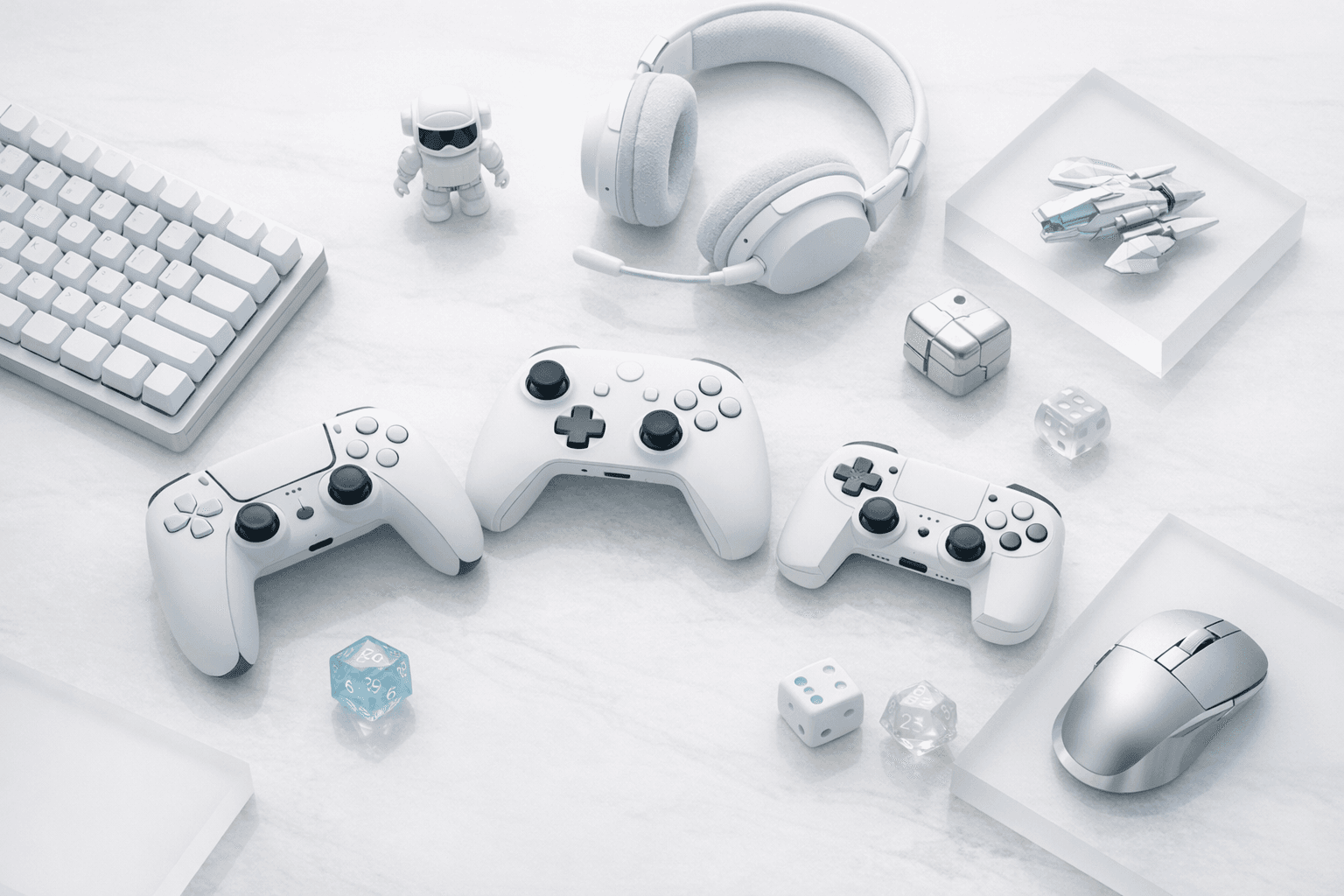
Four controllers cover nearly every Roblox setup in 2026, and the right one depends on the screen you play on most. The picks come first, with the reasoning and setup notes below.
| Pick | Best for | Connection | Price (source, date) |
|---|---|---|---|
| Xbox Wireless Controller | Best overall; PC and Xbox players | USB-C, Bluetooth, Xbox Wireless | $64.99 with USB-C cable, Microsoft Store US list price, checked November 20, 2026 |
| 8BitDo Ultimate 2 Bluetooth | PC players who also own a Switch | Bluetooth, USB-C, charging dock | $69.99 regular price at Amazon, checked November 20, 2026 |
| Sony DualSense | Roblox on PS5; PlayStation-layout fans on PC | USB-C, Bluetooth | $74.99 regular price at PlayStation Direct US, checked November 20, 2026 |
| Backbone One USB-C (2nd gen) | Phone players on iPhone 15 or later and Android | Plugs into the USB-C port | $79.99 regular price at backbone.com, checked November 20, 2026 |
Prices move weekly, especially through the holiday sales, so confirm the live price at the retailer before you buy.
The Xbox Wireless Controller is the best Roblox controller for most players. Windows and Xbox recognize it with no setup, it pairs to phones over Bluetooth, and Roblox names its gamepad inputs after its A, B, X and Y buttons.
This guide narrows one buying situation: you already play Roblox and want a gamepad that works with it. If you are shopping for a controller across every genre and platform, our broader best gaming controllers guide covers the full field.
Does Roblox Actually Support Controllers?
Yes, on every platform it runs on. Roblox's developer documentation states that the engine accepts input from gamepads such as Xbox and PlayStation controllers, and that PC and laptop players can connect a Bluetooth gamepad as well.
That said, platform support and game support are two different layers. Roblox delivers the button presses to every experience, but each developer decides what those buttons do, which is why one obby plays perfectly on a pad while a menu-heavy tycoon still wants a mouse for its shop screen.
Roblox supports gamepads on Windows PC, Xbox, PlayStation and mobile. Each experience's developer maps the buttons, so controller quality varies from game to game even when the controller itself connects fine.
Keep in mind that the default character controls work on a gamepad out of the box. Movement, jumping and camera rotation are handled by Roblox's built-in player scripts, so even an experience with no custom controller work will let you walk, jump and look around.
Where things break is custom interfaces. Inventory grids, trading windows and upgrade shops are built by each developer, and if they never wired up gamepad selection, you will be reaching for the mouse or tapping the screen.
Xbox Wireless Controller: Best Overall for Roblox
The Xbox Wireless Controller is the safest buy because it is the controller Roblox's own input system is named around. Gamepad buttons in Roblox's scripting API are labeled ButtonA, ButtonB, ButtonX and ButtonY, so the prompts developers design and the buttons in your hands line up without translation.
On Windows, it is recognized natively over USB-C or Bluetooth with no drivers to install. On Xbox, it is the console's own controller, so Roblox on Xbox needs no setup at all beyond signing in.
Here's how it fits each Roblox setup:
- PC. Plug in the USB-C cable or pair over Bluetooth, launch Roblox, and the controller works in-game and in the app's menus.
- Xbox. Native, with the same layout you already know from every other Xbox game.
- Mobile. Pairs over Bluetooth with recent iPhones, iPads and Android phones, though you will need a phone clip if you want it attached to the screen.
Note that the standard model runs on two AA batteries rather than a built-in rechargeable pack. A set of rechargeable AAs or Microsoft's play-and-charge kit solves that, and the swappable batteries mean a dead controller is back in the game in seconds.
Buy it if you play Roblox on a PC, an Xbox, or both, and you want a controller that works the moment you plug it in.
8BitDo Ultimate 2 Bluetooth: Best for PC Players Who Also Own a Switch
The 8BitDo Ultimate 2 Bluetooth earns its place for households that split time between a Windows PC and a Nintendo Switch or Switch 2. Roblox does not run on Switch, but one controller that covers both machines saves buying two.
What's more, it ships with a charging dock, so it lives on the desk fully charged rather than in a drawer with a dead battery. Its sticks use TMR magnetic sensors, a design meant to resist the stick drift that eventually shows up on older potentiometer sticks.
Some reasons it suits long Roblox sessions include:
- Back buttons. Extra rear paddles can be mapped to jump or sprint, so you never take your thumb off the camera stick during a hard obby section.
- Drift resistance. Simulator grinds put hours of stick movement on a controller, and drift is the most common way gamepads die early.
- The dock. Kids who forget to charge things get a controller that charges itself when it is put away.
Be aware that 8BitDo controllers switch input modes depending on the device, and the mode matters on Windows. If Roblox ignores it, check 8BitDo's manual for the correct PC mode before assuming the controller is faulty.
Buy it if you play Roblox on PC and want the same controller for your Switch library.
Sony DualSense: Best for Roblox on PS5
Roblox has been on PlayStation since October 2023, and on that console the DualSense is the obvious choice because it is the controller the PS5 ships with. If you already own one, a second for a sibling or a friend is the only purchase you need.
On PC, the picture is less tidy. The DualSense connects to Windows over USB-C or Bluetooth, but support can be inconsistent from one Roblox experience to the next, so buy it for PC only if you strongly prefer PlayStation's stick layout.
A PS5 DualSense works with Roblox on PC over USB-C or Bluetooth, but support can vary between experiences. If Roblox ignores it, switch to a wired USB-C connection before trying any third-party mapping tool.
Of course, the DualSense also has the longest feature list of the four. Buy it for its layout and its built-in rechargeable battery, though, since its adaptive triggers and advanced haptics were built for PS5 titles rather than Roblox.
Buy it if you play Roblox on a PS5 or need a second controller for one.
Backbone One USB-C: Best for Roblox on a Phone
A large share of Roblox players are on phones, and touch controls are the weakest part of that experience. Virtual thumbsticks cover part of the screen, and your thumbs cover even more of it.
The Backbone One solves this by turning the phone itself into a handheld. The phone slots into the controller, which plugs straight into the USB-C port, so there is no Bluetooth pairing and no input lag from a wireless link.
For Roblox on a phone, a clip-on controller like the Backbone One beats a Bluetooth pad. It plugs into the USB-C port, needs no pairing, and frees the whole screen from virtual thumbsticks.
Keep in mind that the 2nd-gen USB-C model fits iPhone 15 and later plus USB-C Android phones. Older Lightning iPhones need the Lightning version, so check your phone's port before ordering.
It also includes pass-through charging, which matters because Roblox is demanding on a phone battery. Backbone's companion app includes a tile for Roblox, so you can launch the game from the controller's home screen.
Buy it if your Roblox time is mostly on a phone and you want a handheld that fits in a jacket pocket.
Which Roblox Genres Play Best on a Controller?
Genre matters more than the controller brand when deciding whether a gamepad will improve your Roblox time. Analog sticks give you smooth, variable movement, while a mouse gives you fast, precise camera turns.
Genres that tend to play well on a gamepad include:
- Racing. Analog triggers give you partial throttle, which a keyboard cannot do. Our best Roblox racing games list is a strong place to start with a new pad.
- Obbies. Platforming feels natural on a stick, and a back paddle for jump helps on tight sections. New players can pair a controller with our obby beginner tips and the picks in our best Roblox obby games roundup.
- Simulators. Long, repetitive sessions are easier on your hands from the couch than hunched over a keyboard.
- Horror. Slow exploration and atmosphere suit a relaxed grip, and our Roblox horror games guide covers the ones worth playing with the lights off.
On the contrary, competitive shooters remain mouse territory for most players. If you live in the experiences from our Roblox shooter games list, a controller is fine for casual play, but expect mouse users to out-aim you in close fights.
Controllers suit Roblox racing, obby, simulator and horror games best. Competitive shooters still favor a mouse, because fast, precise camera turns matter more there than smooth analog movement.
How To Connect a Controller to Roblox
Setup takes a minute on every platform, and most problems come down to the connection method. Here's a list of the steps you should take on each device:
- Windows PC. Connect over USB-C or pair in Windows Bluetooth settings, then launch Roblox and join an experience.
- Xbox and PS5. The console controller works automatically once you are signed in to Roblox.
- iPhone and Android. Pair the controller in your phone's Bluetooth settings first, then open the Roblox app; plug-in controllers like the Backbone One skip pairing entirely.
If the controller connects but Roblox ignores it, try a wired connection first. After that, test it in a second experience, since the problem is often one game's custom controls rather than your hardware.
To connect a controller to Roblox on a phone, pair it in your phone's Bluetooth settings, then open the Roblox app. Plug-in controllers like the Backbone One work as soon as they are connected to the USB-C port.
Skip the remapping apps. Some mobile key-mapping apps require a rooted Android phone or a jailbroken iPhone, which weakens the device's security and may conflict with Roblox's terms of use.
Parents setting up a controller for a younger player may also want to review our Roblox safety settings guide at the same time. Remember that a controller changes how a child plays, not who they can chat with, so account settings still do the protective work.
What We Weighed When Picking These Controllers
Every pick here had to work with Roblox on the platform it is recommended for, without paid software or risky workarounds. We also favored controllers sold by the platform makers or by established accessory brands with clear return policies.
The criteria that decided the list include:
- Native recognition - A Roblox controller should work the moment it connects, especially for kids who will not troubleshoot drivers.
- Layout match - Roblox's gamepad inputs follow the Xbox A, B, X and Y naming, so controllers with that layout need the least mental translation.
- Durability - Simulator grinds and obby retries put heavy wear on sticks and buttons, so drift resistance and replaceable power earned points.
- Charging - A dock, pass-through charging or swappable batteries keep the controller from dying mid-session.
After all, the best controller for Roblox is the one that disappears in your hands. If you are also upgrading the rest of your setup, our Xbox headsets under $150 guide pairs well with the Xbox pick, and our gear reviews hub collects every hardware roundup on the site.
For more on the games themselves, browse the Roblox guides section, where every genre roundup and beginner walkthrough lives.
Frequently Asked Questions
Do all Roblox games support controllers?
Not all of them. Roblox passes gamepad input to every experience, but each developer decides what the buttons do, so some obbies and simulators play fully on a pad while menu-heavy games still need a mouse or touch for certain screens.
Can you use a PS5 controller on Roblox PC?
Usually, yes. A DualSense connects to Windows over USB-C or Bluetooth, but support can be inconsistent between experiences; if Roblox ignores it, try a wired connection before reaching for any third-party remapping tool.
Is a controller better than keyboard and mouse for Roblox?
It depends on the genre. A gamepad's analog stick suits racing, obby platforming and long simulator sessions, while shooters and anything that needs fast camera turns still favor a mouse for aim.
Which Backbone One fits my phone?
The USB-C (2nd gen) model fits iPhone 15 and later plus USB-C Android phones. Older iPhones with a Lightning port need the Lightning version, so check your phone's charging port before you order.
Are controller remapping apps safe for Roblox?
Be cautious. Some mobile mapping apps require a rooted Android phone or a jailbroken iPhone, which weakens device security and may conflict with Roblox's terms of use; native Bluetooth or a plug-in controller avoids the risk.