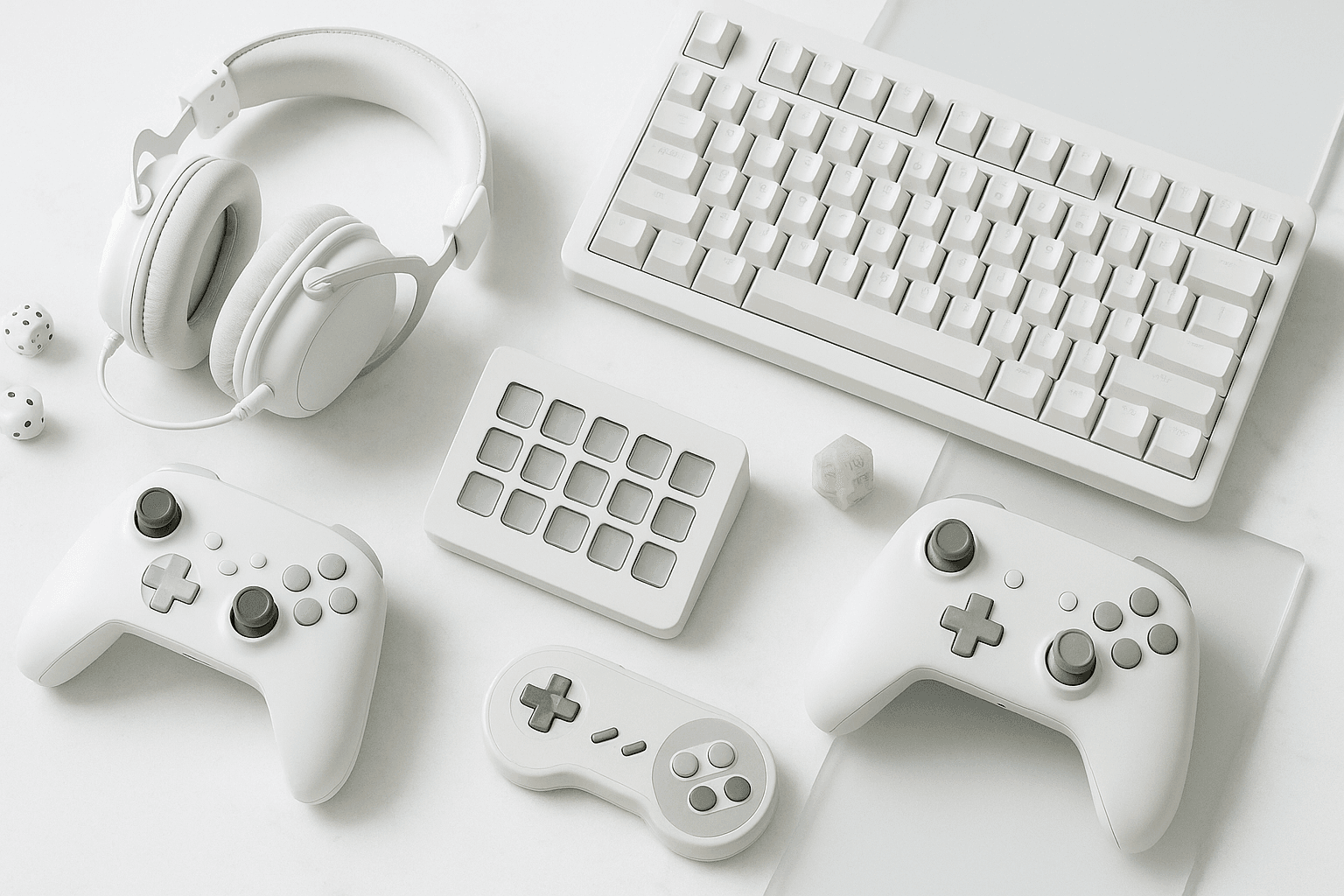
You probably picture a stream deck as a streamer's toy — a grid of glowing buttons that flips scenes and fires soundboard clips while someone plays Fortnite. That's one job it does, but a stream deck is really a programmable macro control surface, and it earns its desk space whether or not you ever go live.
Underneath the RGB, each key is a tiny LCD bound to an action: launch an app, run a multi-step macro, mute a mic, trigger a scene, or fire a keyboard shortcut you'd otherwise forget. Editors, photographers, music producers, and even spreadsheet jockeys use them — which is exactly why the category has quietly grown past Elgato into a real buyer's decision.
A stream deck is a programmable button panel with mini-LCD keys (and sometimes dials) that map to macros, app launches, and live-production controls. It's useful for streaming, editing, and any workflow with repeatable shortcuts.
What A Stream Deck Actually Does
Strip away the branding and a stream deck is a USB control surface: a slab of keys, each one a small screen you can paint with an icon and bind to almost anything. Press a key and it fires a macro, launches software, swaps an OBS scene, or runs a chain of actions in sequence.
The magic isn't the hardware — it's the software layer that lets one button do five things in order, or change its entire face depending on which profile you're in. That's why the same panel can run your live stream at night and your Premiere timeline the next morning.
No, you don't need a stream deck to stream — OBS hotkeys are free. But a deck removes alt-tabbing and memorized shortcuts, which is why editors and producers buy them even when they never go live.
How We Tested And Ranked These Control Surfaces
We judged every surface on the things that actually change your day, not the spec sheet. Here's the rubric, weighted heaviest first:
- Software depth. The app behind the buttons decides everything — multi-action macros, conditional profiles, and a real plugin library separate the great decks from the glorified hotkey pads.
- Keys and dials. More keys mean fewer folders to dig through, and rotary dials unlock smooth control over volume, exposure, and timeline scrubbing that buttons simply can't match.
- Build and feel. A control surface lives on your desk for years, so we cared about key travel, screen brightness, and whether the base stays put when you stab at it mid-stream.
- Cross-platform support. Windows and macOS parity matters, and so does whether the companion app plays nicely with OBS, Streamlabs, Premiere, Photoshop, and your DAW.
- Ecosystem. Elgato's Marketplace, icon packs, and third-party plugins turn a deck into a Swiss Army knife — the wider the ecosystem, the longer the device stays useful.
- Value. Prices shift weekly, so we scored each pick on what it delivers per key rather than a fixed number on a tag.
All of these add up to one question: how much control do you need, and how much desk space and budget are you willing to trade for it? The picks below answer that across every tier, from a free phone app to a 32-key powerhouse.
The Best Stream Decks Of 2026 At A Glance
Here's how the contenders stack up before we get into the verdicts. Use it to narrow the field, then read the pick that fits your workflow.
| Model | Keys / Dials | Best for | Platform |
|---|---|---|---|
| Elgato Stream Deck MK.2 | 15 keys | Best overall | Win / Mac |
| Elgato Stream Deck + | 8 keys, 4 dials, touch strip | Dials & audio | Win / Mac |
| Elgato Stream Deck XL | 32 keys | Big layered layouts | Win / Mac |
| Elgato Stream Deck Neo | 8 keys, 2 touch points | Budget Elgato | Win / Mac |
| Elgato Stream Deck Mini | 6 keys | Compact / second surface | Win / Mac |
| Loupedeck Live | 12 keys, 6 dials, touch | Creative production | Win / Mac |
| Razer Stream Controller | 12 keys, 6 dials, touch | Loupedeck alternative | Win / Mac |
| TourBox Elite | Buttons, dials, no screens | No-screen editing | Win / Mac |
| Elgato Stream Deck Pedal | 3 foot pedals | Hands-free triggers | Win / Mac |
| Stream Deck Mobile | Software keys | Free trial run | iOS / Android |
Our Top Picks, Ranked
Elgato Stream Deck MK.2 — Best Overall
Best for: anyone who wants the safest, most flexible 15-key deck with the deepest software behind it.
The MK.2 is the default recommendation for a reason — 15 LCD keys, a swappable faceplate, and an adjustable stand that handle streaming, editing, and everyday macros without flinching. The hardware is almost beside the point; you're really buying into Elgato's software and Marketplace, which is the broadest in the category.
It won't give you dials, and 15 keys fills up fast once you start nesting profiles. For most people, though, this is the one to buy and never think about again.
Elgato Stream Deck + — Best With Dials
Best for: producers and editors who live on volume, exposure, and scrub controls.
The Plus trades raw key count for four push-and-turn dials and a touch strip, which is the single best upgrade for audio mixing and timeline work. Map a dial to mic gain, another to system volume, and a third to a Premiere parameter, and you'll wonder how you tolerated a mouse for it.
Choose the Stream Deck + over the XL if you mix audio or edit video — its four dials control volume, gain, and timeline scrubbing far better than buttons. Pick the XL only if you need 32 keys.
Elgato Stream Deck XL — Best For Big, Layered Layouts
Best for: power users running complex live shows who hate digging through folders.
With 32 keys, the XL puts an entire production at your fingertips — scenes, sources, audio toggles, replays, and chat commands all visible at once. It's the priciest standard deck and it eats desk space, but for a multi-source stream it removes almost all the nesting smaller decks force on you.
Elgato Stream Deck Neo — Best Budget Pick From Elgato
Best for: first-time buyers who want the real software without the flagship price.
The Neo, launched in 2024, gives you eight keys plus an info bar and two touch points, all on the same Stream Deck app as its pricier siblings. You lose the adjustable stand and some key count, but you keep the ecosystem — which is the part that actually matters.
Elgato Stream Deck Mini — Best Compact Or Second Surface
Best for: tight desks, or as a dedicated six-key panel bolted next to a bigger deck.
Six keys sounds tiny until you remember each one can hold a folder of actions, so the Mini punches above its size for a focused set of shortcuts. Plenty of users run one alongside an XL purely for scene switching or a soundboard.
Loupedeck Live — Best For Creative Production
Best for: photographers, video editors, and colorists who want dials and a big touchscreen.
Now under Logitech, the Loupedeck Live blends 12 touch keys, six dials, and round touch buttons into a surface built around Lightroom, Premiere, and Final Cut as much as OBS. Its software is less plug-and-play than Elgato's, but for heavy creative apps the dial-per-parameter control is hard to beat.
For photo and video editing, the Loupedeck Live beats a standard Stream Deck because its six dials map directly to exposure, color, and timeline values. For pure streaming, Elgato's software is simpler.
Razer Stream Controller — Best Loupedeck Alternative
Best for: streamers already inside Razer's ecosystem who want dials and keys in one slab.
The Stream Controller is essentially a Loupedeck Live in Razer clothing, running the same underlying engine with a streaming-first setup flow. If you don't care about the badge, the original Loupedeck usually offers the same hardware for less.
TourBox Elite — Best No-Screen Tactile Editor
Best for: editors who'd rather feel for a knob than read a glowing label.
The TourBox Elite skips screens entirely in favor of a sculpted cluster of differently-shaped buttons, dials, and a scroll wheel you operate by touch. There's a learning curve, but for Photoshop, Lightroom, and DaVinci Resolve, muscle memory on physical controls beats hunting for the right icon.
Elgato Stream Deck Pedal — Best Hands-Free Add-On
Best for: anyone whose hands are already full — guitarists, gamers, presenters.
The Pedal puts three programmable foot switches under your desk, running the same software as the keyed decks. It's not a primary surface, but as a push-to-talk or scene-trigger you fire with your foot, it's the cheapest quality-of-life upgrade here.
Ajazz And MiraBox Clones — Best Cheap Alternative
Best for: tinkerers on a tight budget who don't mind rougher software.
Budget clones like the Ajazz AKP153 and MiraBox panels copy the LCD-key formula for a fraction of Elgato's price, and many pair with open-source tools when their stock apps disappoint. The hardware is genuinely usable; the trade-off is patchier software and a smaller plugin pool.
Budget stream deck clones like the Ajazz AKP153 work fine for basic macros and scene switching. The catch is weaker software and fewer plugins — pay for Elgato if you want the deep ecosystem.
Stream Deck Mobile — Best Free Way To Try The Workflow
Best for: the curious, and anyone with a spare phone or tablet on the desk.
Stream Deck Mobile turns an iPhone or iPad into a software deck on a subscription, so you can test the entire workflow before spending on hardware. It's the smartest way to find out whether you actually need physical keys — most people decide they do.
How A Stream Deck Fits The Rest Of Your Streaming Rig
A control surface only shines when the gear around it pulls its weight. The deck triggers the scene, but the picture comes from your console or a clean capture card, and the sound rides on a proper streaming microphone.
Bind a dial to mute that mic, a key to your gaming headset mix, and another to swap inputs on your gaming monitor — and suddenly the whole desk works as one. Pair it with macro keys on your gaming keyboard and you've offloaded nearly every repetitive action off the keyboard entirely.
How To Choose The Right Stream Deck For You
Start with the work, not the key count. If you only switch scenes and fire a soundboard, six to fifteen keys is plenty; if you mix audio or edit footage, dials matter more than extra buttons.
Then check the software fit — the panel is only as good as its companion app and the plugins it supports. Finally, factor your platform, because every pick here runs on both Windows and macOS, but mobile and clone software can be hit or miss.
Most people should start with a 15-key Stream Deck MK.2. Move up to the Stream Deck + for dials, the XL for 32 keys, or a Loupedeck for serious photo and video editing.
Stream Deck FAQ
Do you need a stream deck to stream?
No. OBS and Streamlabs both support free keyboard hotkeys, so a deck is a convenience, not a requirement. What you're paying for is one-touch control and the end of memorizing shortcuts or alt-tabbing mid-stream.
Does the Stream Deck work on Mac and PC?
Yes. Every Elgato Stream Deck, plus Loupedeck and Razer's controllers, runs on both Windows and macOS through their companion apps. Plugin availability is nearly identical across both platforms.
What's the difference between the Stream Deck + and the XL?
The Plus has eight keys, four dials, and a touch strip, built for audio and scrubbing. The XL drops the dials but gives you 32 keys for large, button-heavy live layouts.
Are cheap stream deck clones worth it?
For basic macros and scene switching, yes. Clones like the Ajazz AKP153 cost far less, but you trade away Elgato's polished software, plugin library, and long-term support.
Can a stream deck control OBS, audio, and lights at once?
Yes, that's the point of multi-action keys. A single button can switch an OBS scene, adjust audio, and toggle smart lights in sequence through a plugin for each service.
The Bottom Line
If you want one answer, buy the Elgato Stream Deck MK.2 and grow into the ecosystem from there. Step up to the Stream Deck + for dials, the XL for sheer key count, or a Loupedeck if your day is photo and video work.
Whichever you pick, build the rest of the desk to match — the deck is the conductor, but it still needs an orchestra. Start with our guides to capture cards and streaming microphones, and wire the whole rig to fire from a single panel.